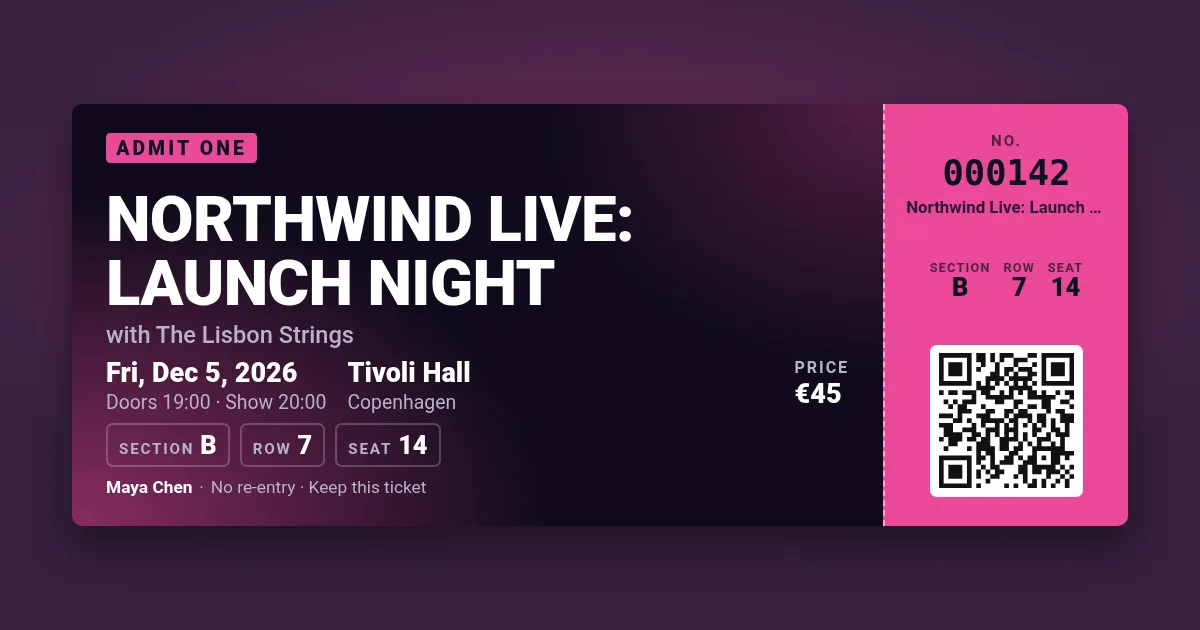
Your ticket appears here. Pick a design, change the text, press Make tickets.
A cream card with a gold double frame and serif type: the couple, the date, the place, the guest's table — and a QR code to your RSVP page or wedding website.
Your ticket appears here. Pick a design, change the text, press Make tickets.
Keep the wording short — the frame does the rest. Put the RSVP deadline in the small print. Print the PDF on textured cream card, or send the PNG in a message. The design takes the accent colour for its frame, so match it to your wedding colours.
The party design is the custom-ticket template in the API: one signed URL per guest with their name, table and RSVP code goes straight into your email, or a bulk CSV of the guest list returns one PDF per guest and a ZIP. 100 images a month free.
Put the link of your RSVP form or wedding website in the QR field: the code is scannable from paper or a screen.
Here you make them one by one (change the name, press Make tickets again). For the whole list at once, the API renders one per row of a CSV.
Yes, untick "Tear-off stub" and the invitation is one panel, with the QR code on the right if you add one.
Yes, without an account: 5 tickets an hour from one address, with a small watermark.