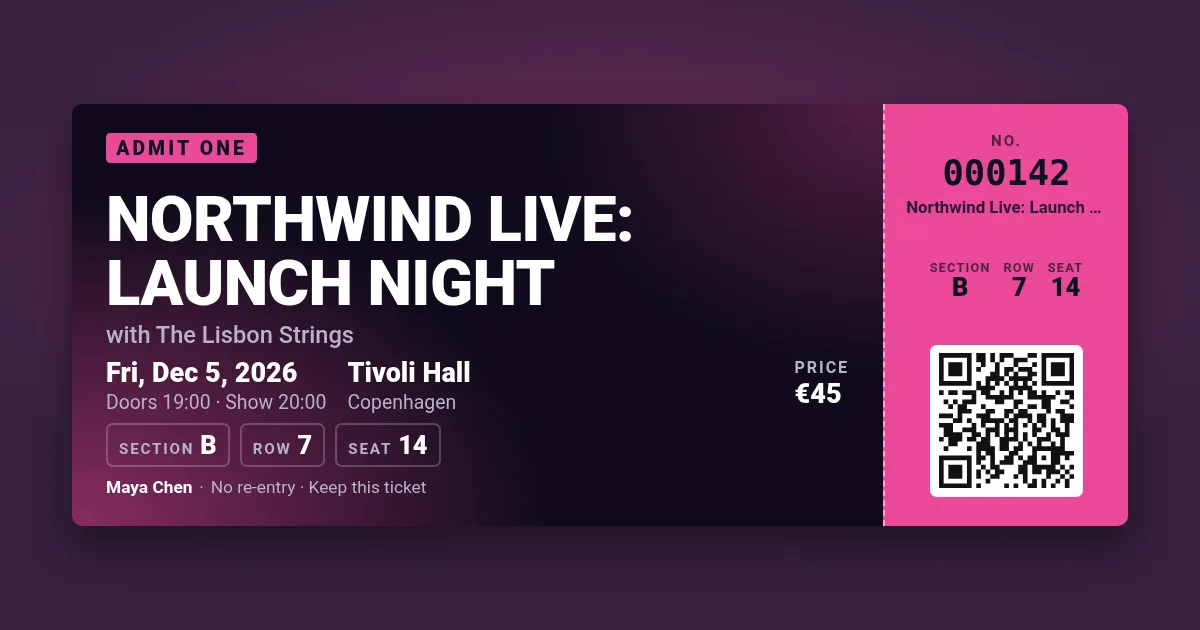
Your ticket appears here. Pick a design, change the text, press Make tickets.
The band and the tour, the date and the venue, section, row and seat — on a stage-lit concert ticket with a tear-off stub and a QR code. For bands, venues, school concerts and club nights that sell their own tickets.
Your ticket appears here. Pick a design, change the text, press Make tickets.
Print a numbered sheet, write down which numbers each seller took, and check the numbers off at the door — or put {n} in the QR field and scan the codes against your list with any phone. Use a prefix per price band (VIP-, GA-) so the door can tell them apart at a glance. For a seated hall, make one ticket per seat with its section, row and seat; for standing gigs, leave the seat empty and print "GA".
The concert design is the custom-ticket template in the API: put each buyer's name, seat and check-in code in a signed URL that renders when the confirmation email opens, or send the guest list as a bulk CSV. 100 images a month free.
At an event you run yourself, yes — you check the numbers or codes against your own list. For a concert sold by someone else, only the seller's ticket gets you in; do not copy another organiser's tickets.
Leave row and seat empty and write "GA" or "Standing" in the section, or leave all three empty — the ticket adjusts.
Up to 100 numbered tickets in one PDF, then "Next sheet" continues the numbering. The free limit is 5 renders an hour from one address.
Yes, without an account, with a small watermark. Paid plans render through the API without it.