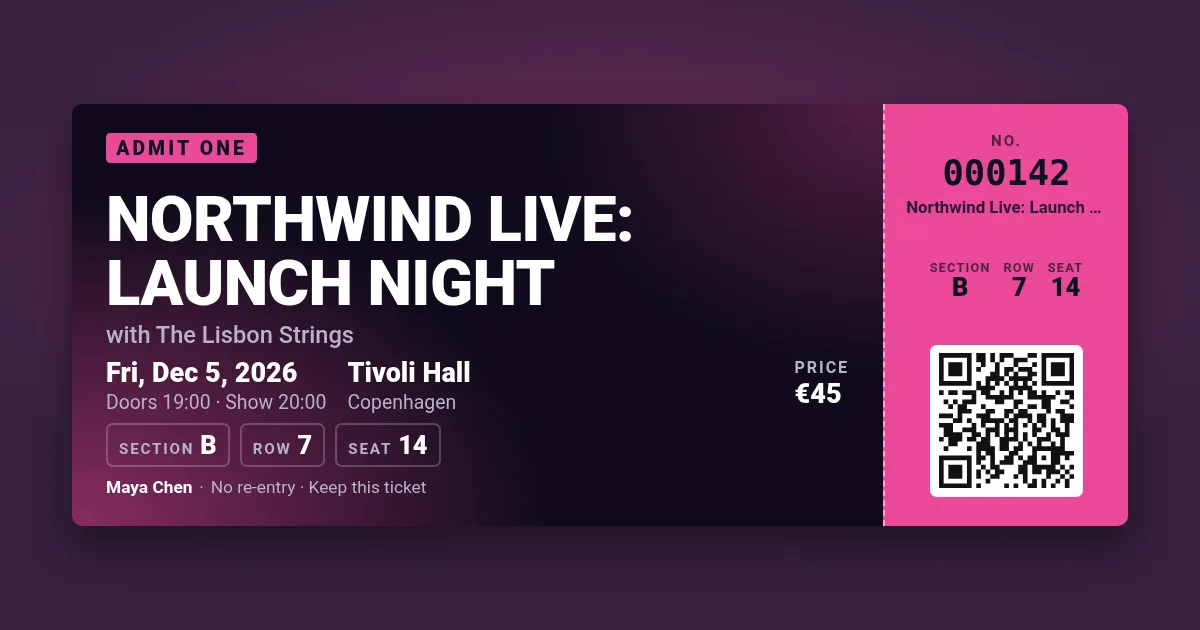
Your ticket appears here. Pick a design, change the text, press Make tickets.
Type a link or a check-in code and every ticket carries a scannable QR code — the same one on each ticket, or a different one per ticket on a numbered sheet, so the door can tell every ticket apart.
Your ticket appears here. Pick a design, change the text, press Make tickets.
The code only carries the text you typed — it does not register tickets anywhere. Keep a list of the numbers you sold (a spreadsheet works) and mark each one when its code is scanned with a phone camera; a second scan of the same number is a copy. For check-in that validates scans automatically, render the tickets through the API from your own system, which knows which codes it issued.
The custom-ticket template takes the QR text as a field: your checkout puts each ticket's code in a signed URL that renders on open, or a bulk CSV returns one ticket per row with its own code. 100 images a month free.
Yes: on a print sheet, {n} in the QR text becomes each ticket's number, so every code is different. A single ticket uses the text as you typed it.
Yes. It is drawn as a vector with error correction for a fold or a smudge; print at actual size and keep it on a white background — every design does that.
No — it makes the tickets. Scan the codes with any phone and tick them off your list, or let your own system issue and check them through the API.
Yes, without an account: 5 renders an hour from one address, up to 100 tickets each, with a small watermark.