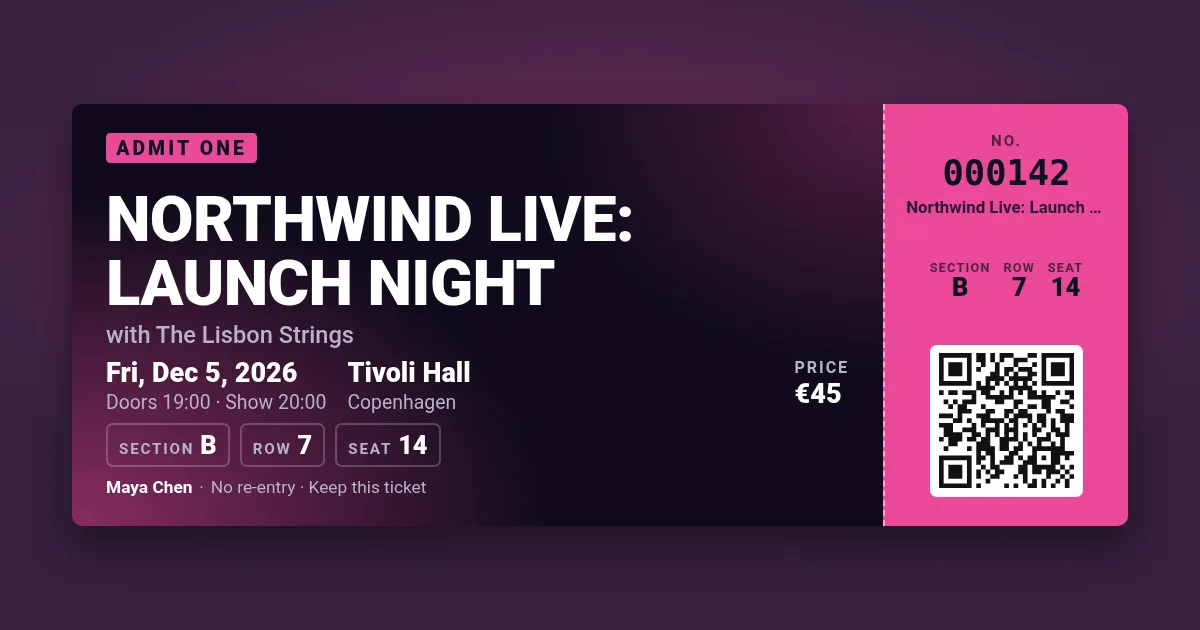
Your ticket appears here. Pick a design, change the text, press Make tickets.
Design one ticket and get a full sheet of them — numbered, each with its own QR code if you want, laid out on A4 or US Letter with crop marks, as a PDF your printer prints at exact size.
Your ticket appears here. Pick a design, change the text, press Make tickets.
In the print dialog choose "Actual size" or 100 %, not "Fit", so the crop marks are where the PDF puts them. Card of 160–250 g/m² feels like a real ticket. Cut with a ruler and a craft knife or a guillotine; a perforation wheel along the stub line makes it tear like a box-office ticket. Light designs (conference, party, raffle) save ink on home printers.
Every design is the custom-ticket template: send each ticket's number and QR text through a signed URL or a bulk CSV and get one PNG or PDF per row, without the watermark on paid plans. 100 images a month free.
A4 (210×297 mm) and US Letter (8.5×11 in). The PDF page is exactly that size, with a 10 mm margin most printers can reach.
Yes: put {n} in the QR field, for example https://example.com/check?t={n}, and each ticket's code carries its own number. The code is real and scannable; checking it at the door is up to your own list or system.
Choose PNG and you get the first page as a high-resolution image (2×). The PDF holds every page in one file and prints sharper.
Yes, without an account: 5 sheets an hour from one address, each up to 100 tickets, with a small watermark in the page margin.