
Blog post
A big headline with author, date and reading time — the default card for articles.
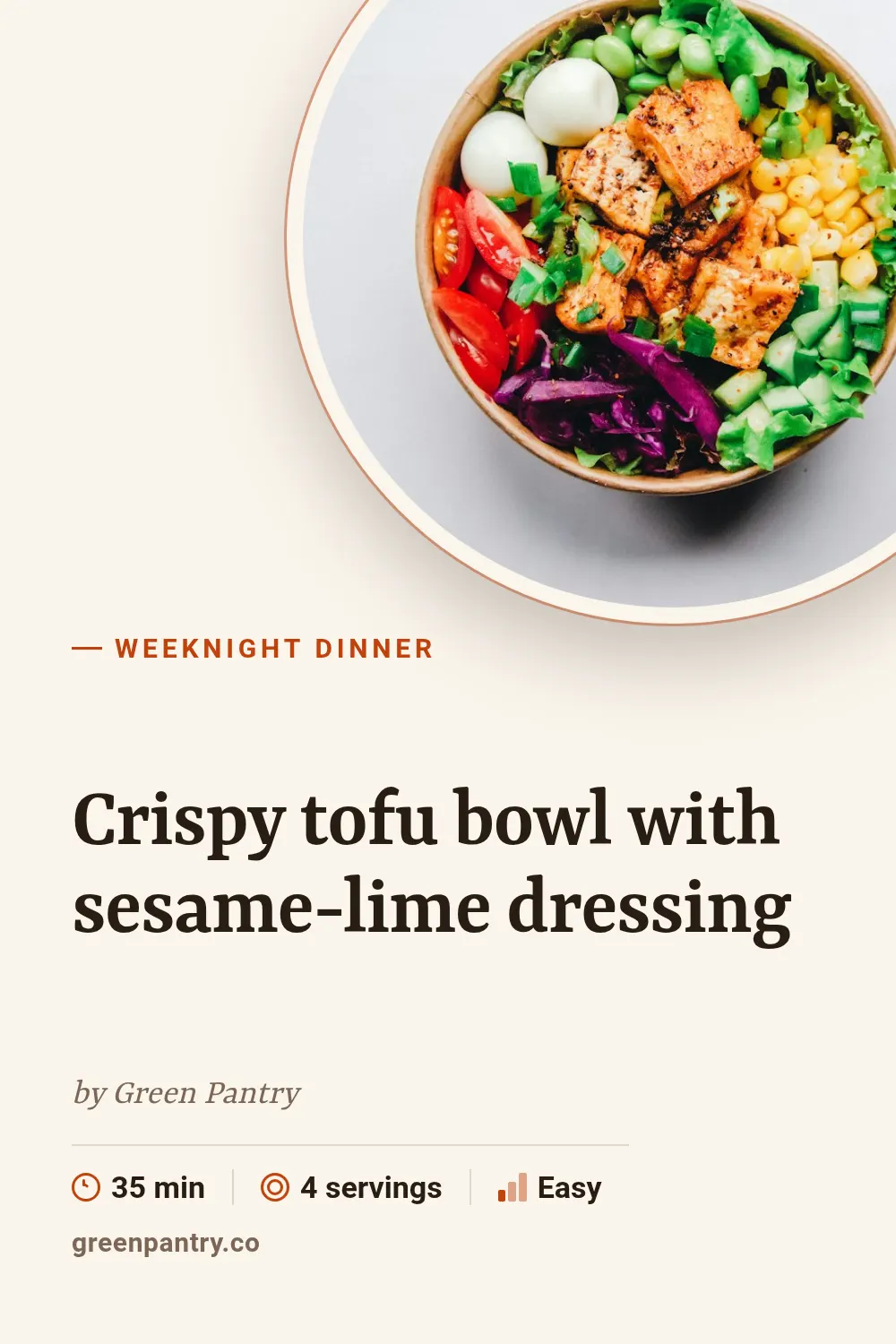
Recipe
Dish name in a serif face, cooking time, servings and difficulty next to a round photo.
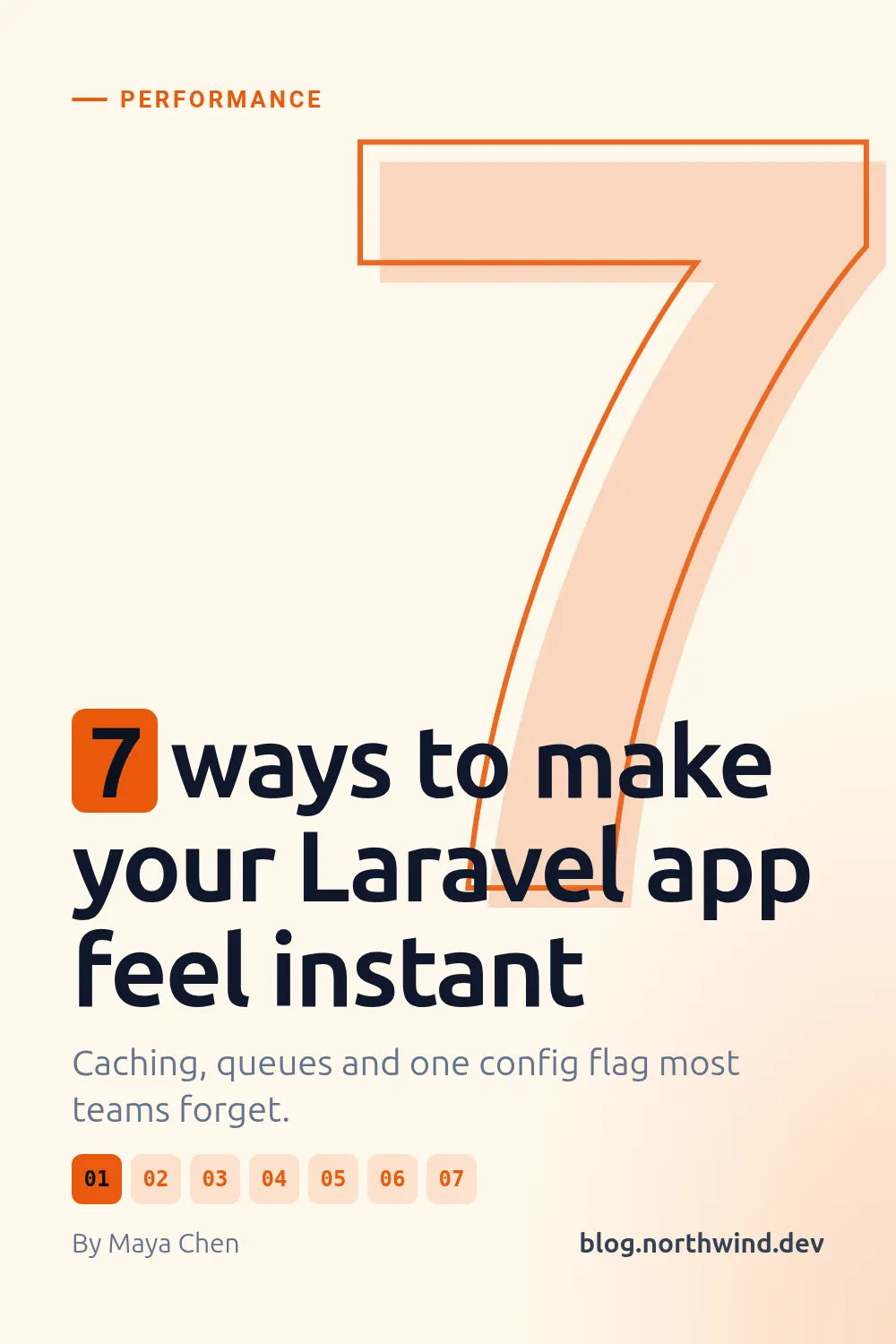
Listicle
A giant outlined number behind a "7 ways to…" headline, with numbered chips for every item.
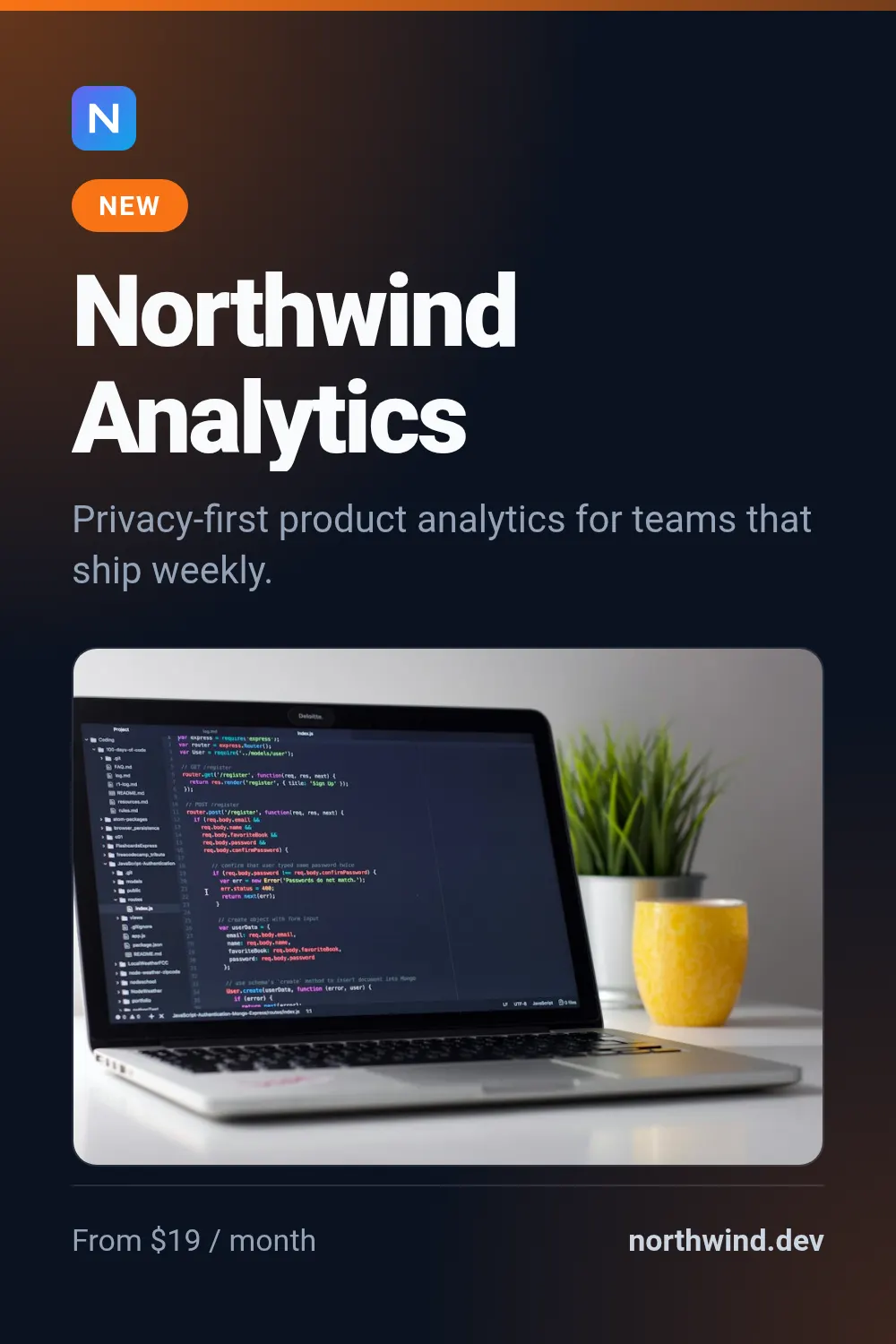
Product card
Product name, tagline, price and a screenshot — the starter template for SaaS and apps.
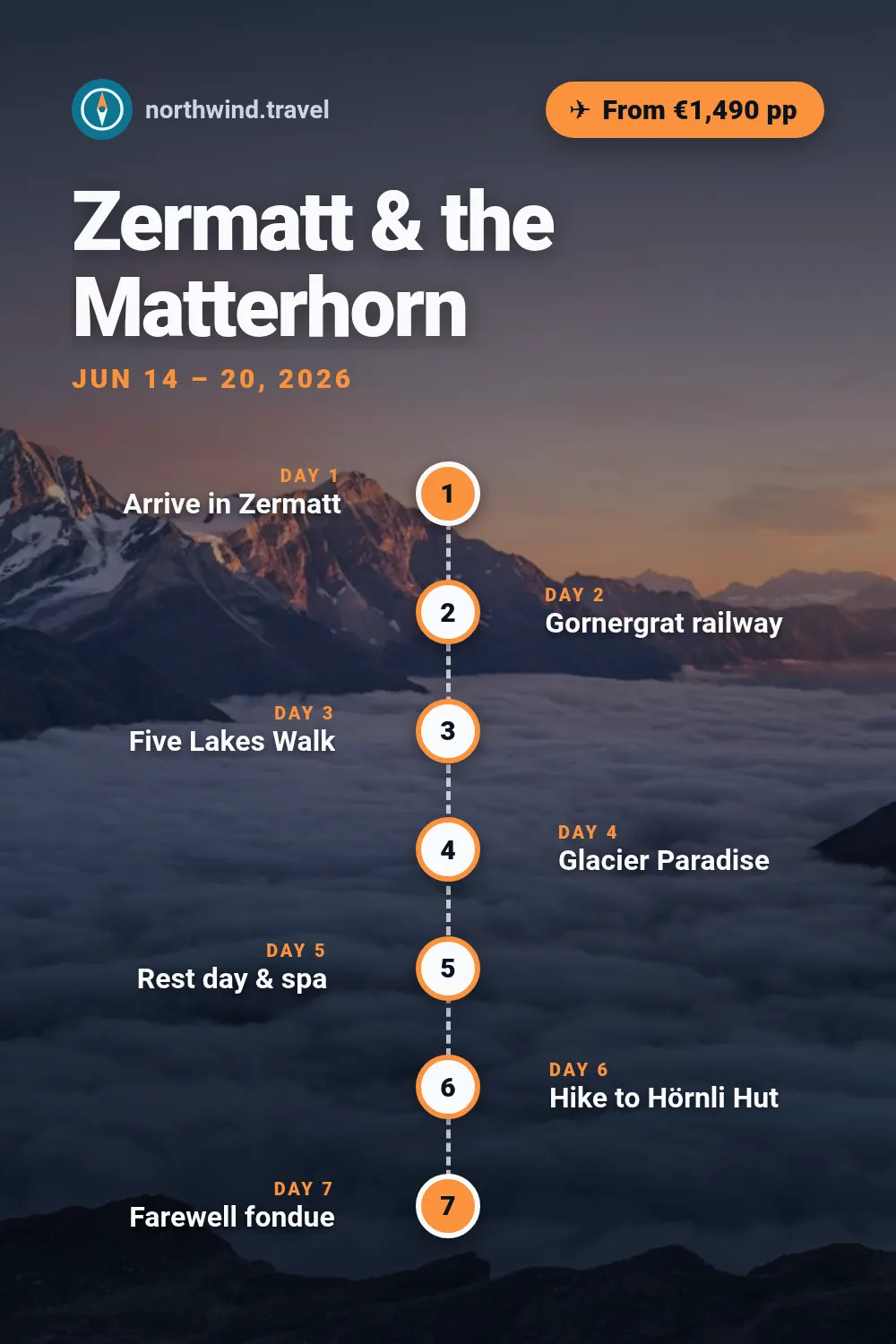
Travel itinerary
A trip plan as a route: numbered day markers on a dashed line across a full-bleed photo, the day titles alternating on either side.
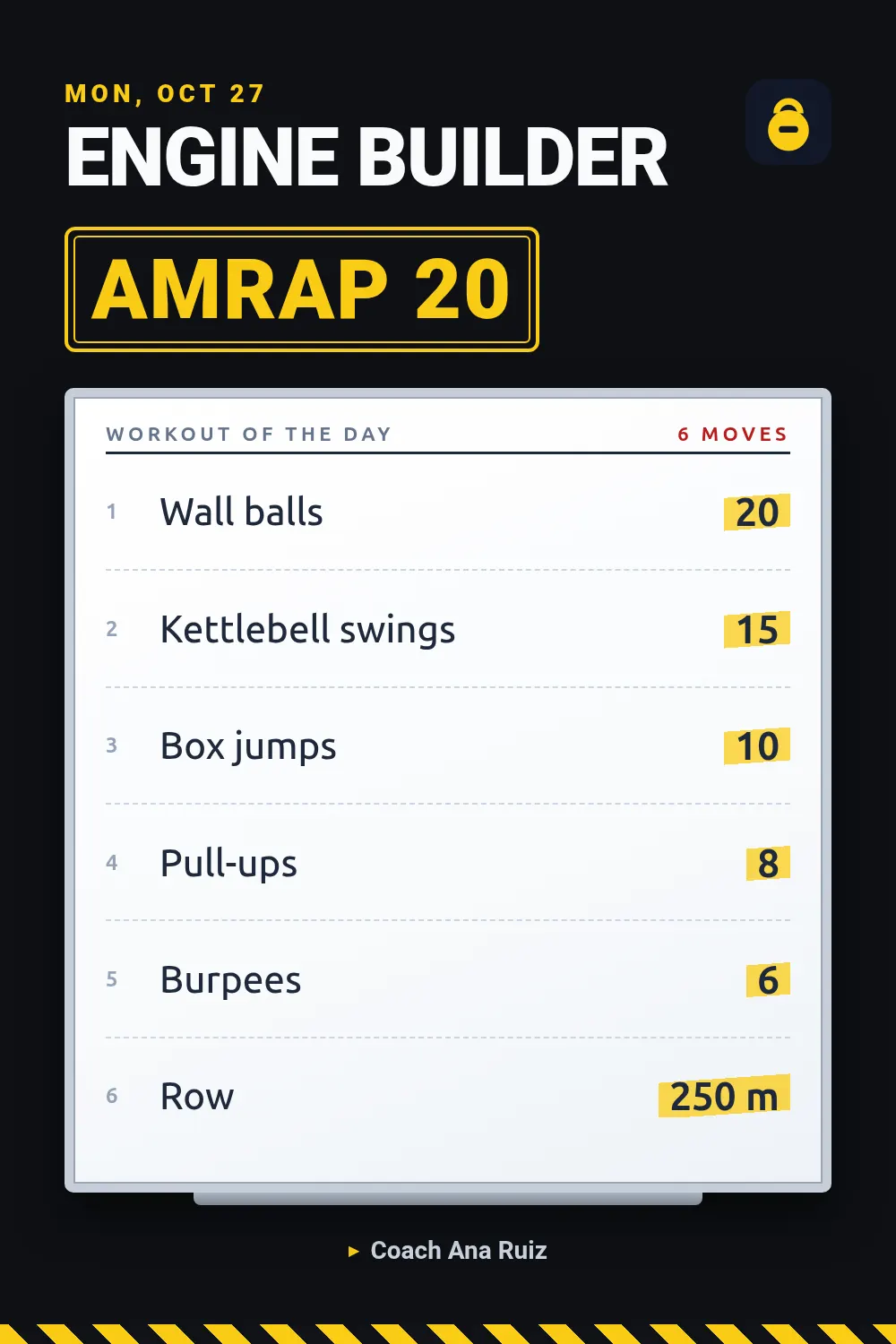
Workout of the day
The gym's whiteboard: exercises down the board with the reps highlighted in a bold right-hand column and the format as a big stamp.
Render one
Send the template slug, your text and the size, and the image URL comes back in seconds. Every template lays itself out for every size preset (og 1200×630, square 1080×1080, portrait 1080×1350, story 1080×1920, pinterest 1000×1500, youtube 1280×720), so `sizes` gives you several formats from one request.
curl -X POST "https://shareglint.com/v1/images?wait=true" \
  -H "Authorization: Bearer sk_live_..." \
  -H "Content-Type: application/json" \
  -d '{
    "template": "blog-og",
    "size": "pinterest",
    "modifications": {
        "title": "How we cut our image pipeline from 9 seconds to 900 ms",
        "eyebrow": "Engineering",
        "author": "Maya Chen"
    }
}'
Automating it for many images: Pinterest pins for every blog post: 2:3 images from a template.