
Social post
A post card with avatar, name, handle, text and reply, repost and like counts.
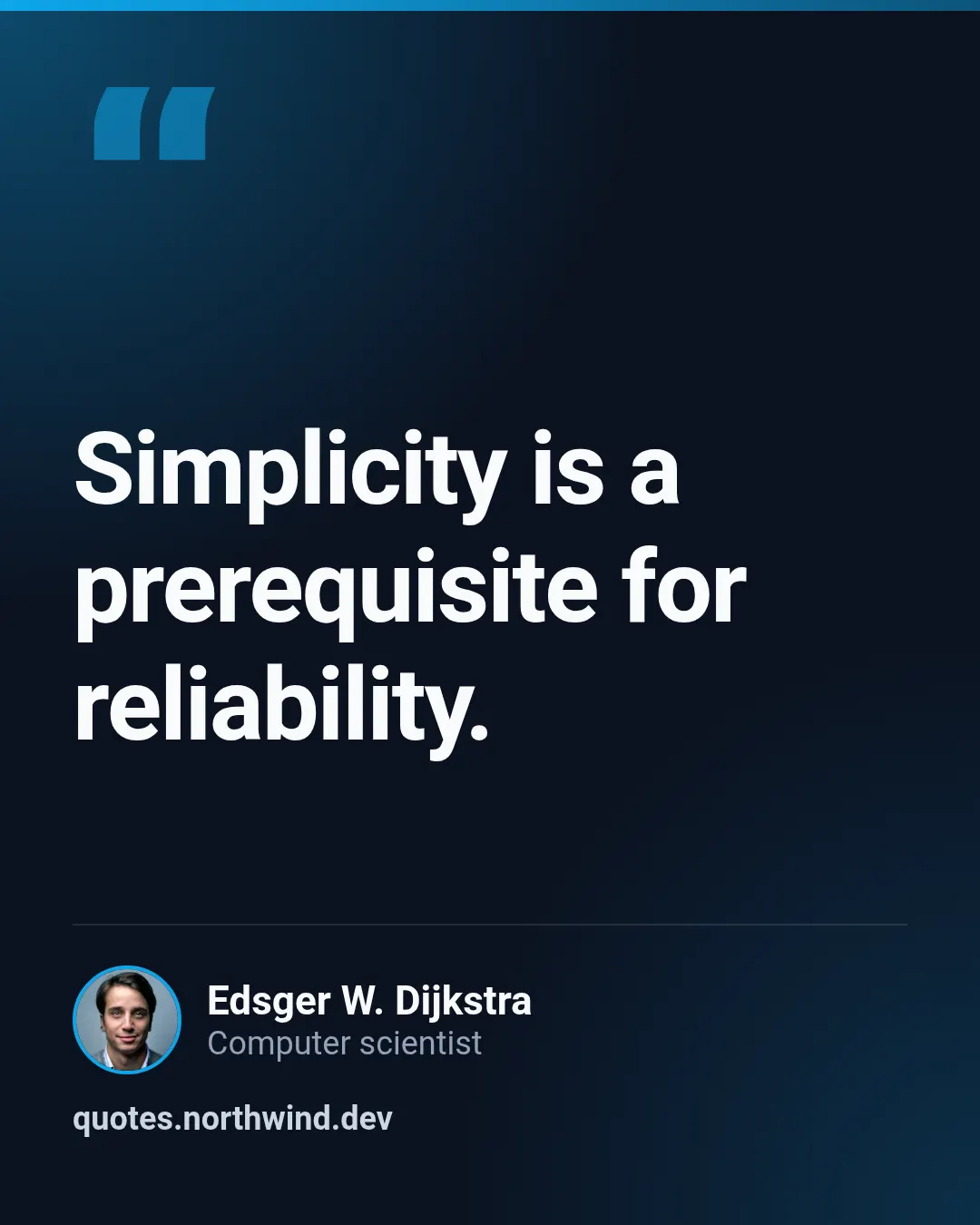
Quote card
A large quote with the author and their role — the starter template for quotes and testimonials.

Carousel cover
First slide of a LinkedIn or Instagram carousel: an oversized title, a one-line hook, the author chip and a progress rail with one tick per slide.

Carousel slide
Content slide of the same carousel: a giant outlined step number cut by the edge, a heading, a short body, an optional picture and the progress rail with the current slide marked.
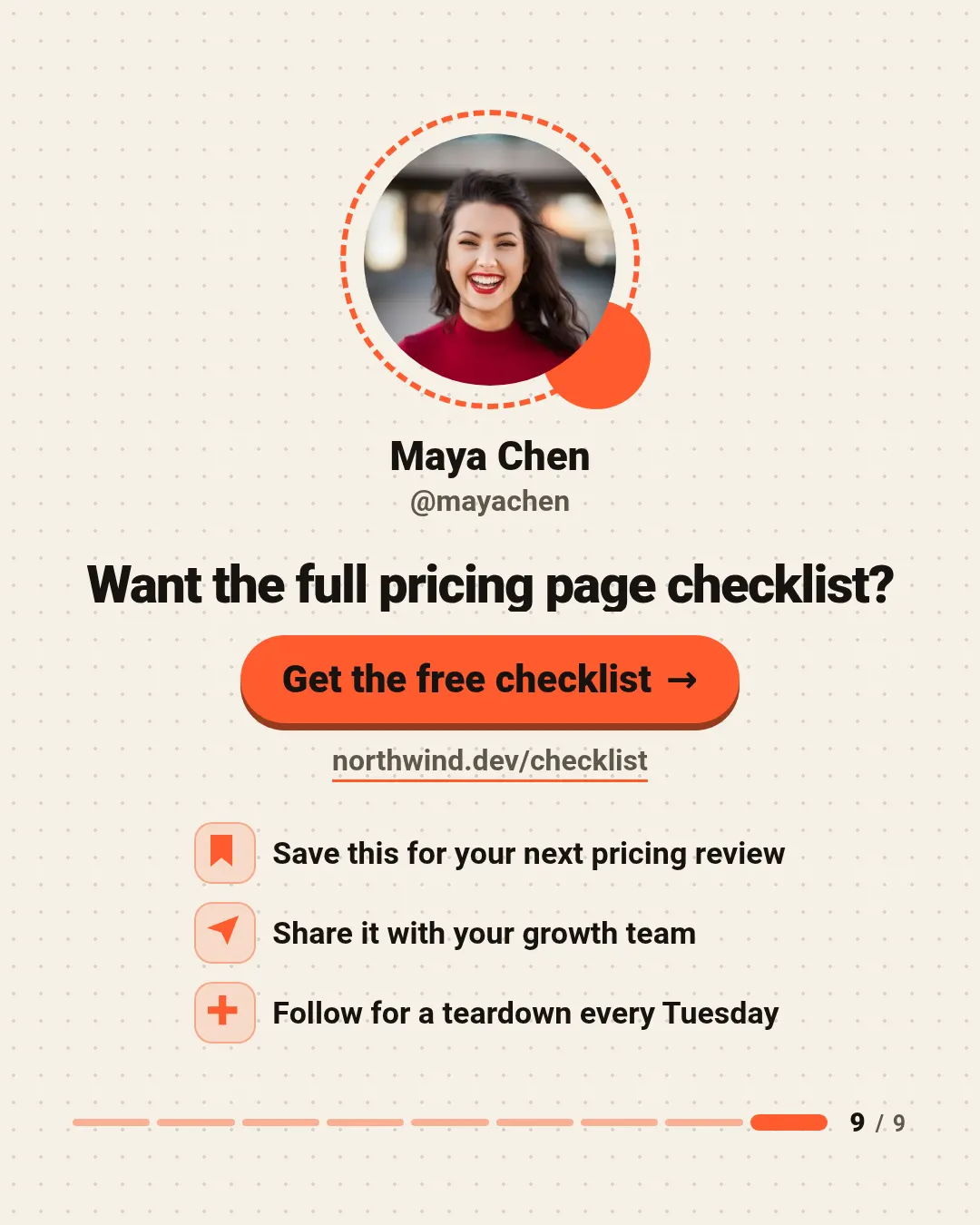
Carousel end slide
Last slide of the carousel: the author in a dashed ring, a closing line, a big call-to-action button with the link, and up to three save, share and follow rows.

Photo collage
One to six photos in a tight grid with thin gutters and a caption on a band with a slanted edge.

Giveaway
A contest post: the prize in a round window on a sunburst, numbered entry steps and the end date on a tear-off tab.
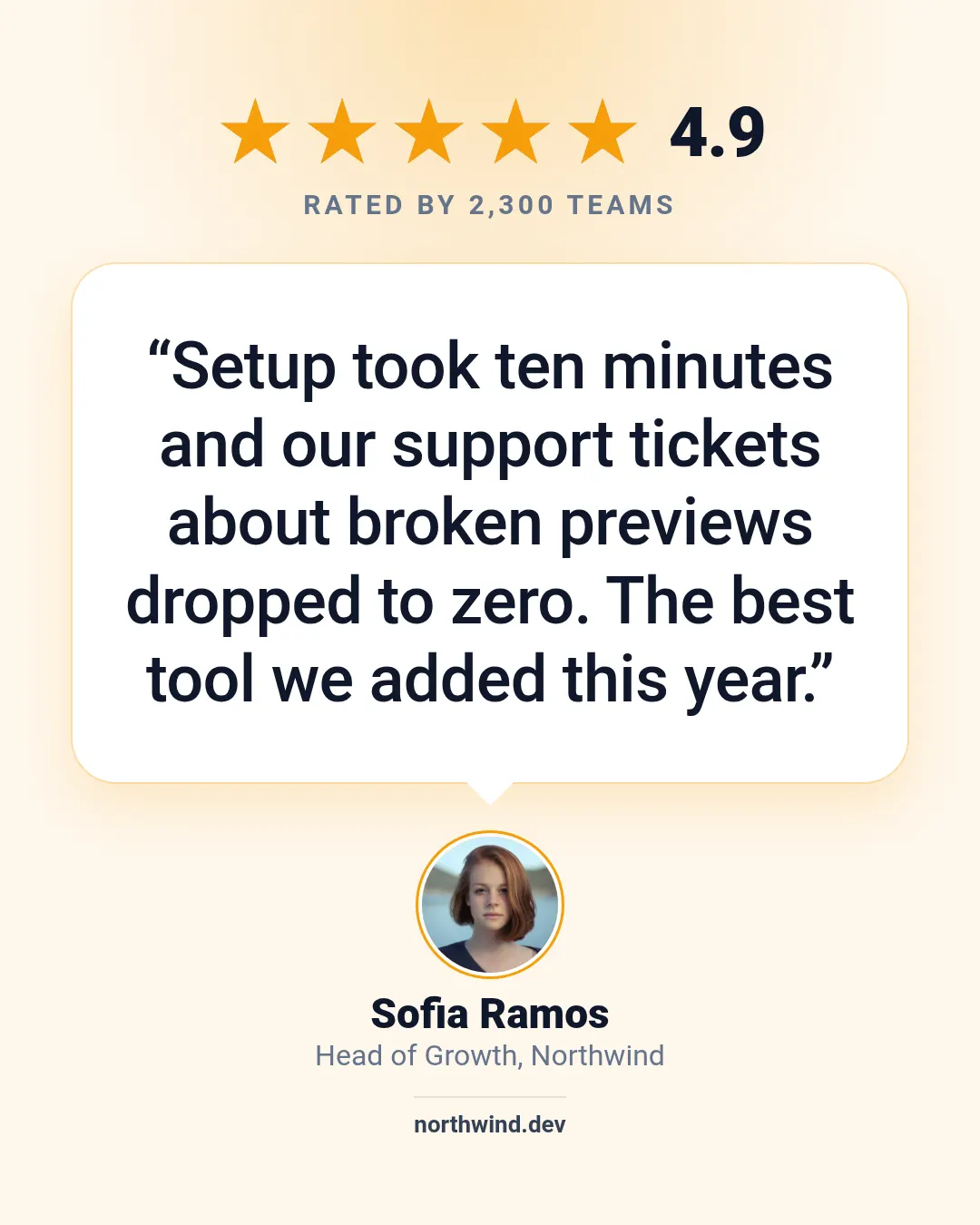
Star review
A star rating with the score, a review in a speech bubble and the reviewer below.
Render one
Send the template slug, your text and the size, and the image URL comes back in seconds. Every template lays itself out for every size preset (og 1200×630, square 1080×1080, portrait 1080×1350, story 1080×1920, pinterest 1000×1500, youtube 1280×720), so `sizes` gives you several formats from one request.
curl -X POST "https://shareglint.com/v1/images?wait=true" \
  -H "Authorization: Bearer sk_live_..." \
  -H "Content-Type: application/json" \
  -d '{
    "template": "social-post",
    "size": "portrait",
    "modifications": {
        "text": "We shipped dynamic OG images for every docs page this morning.\n\nClick-through from Slack and LinkedIn is up 41% in the first week.",
        "name": "Daniel Okafor",
        "handle": "@danokafor"
    }
}'
Automating it for many images: Instagram post images by API: sizes, carousels and publishing.