
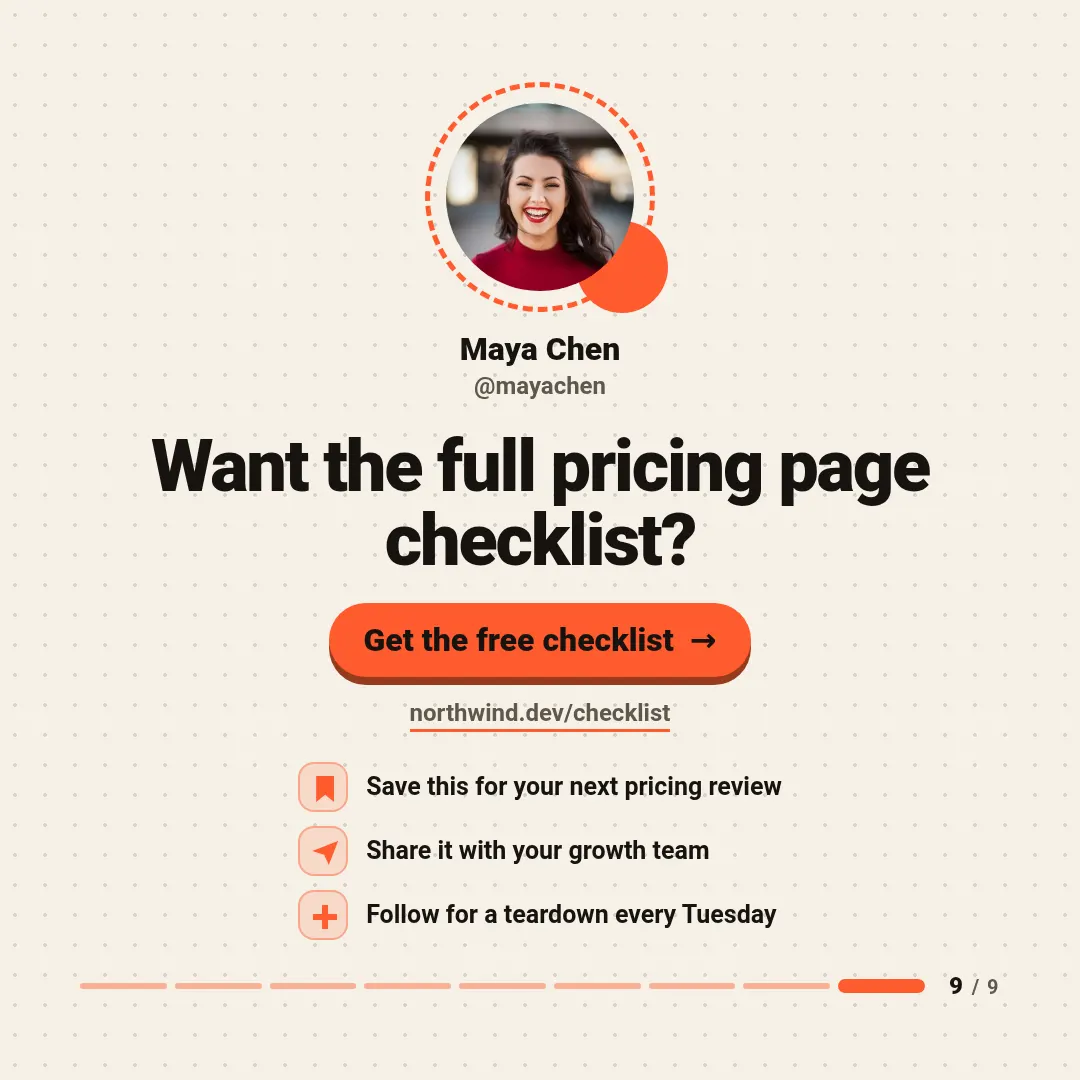
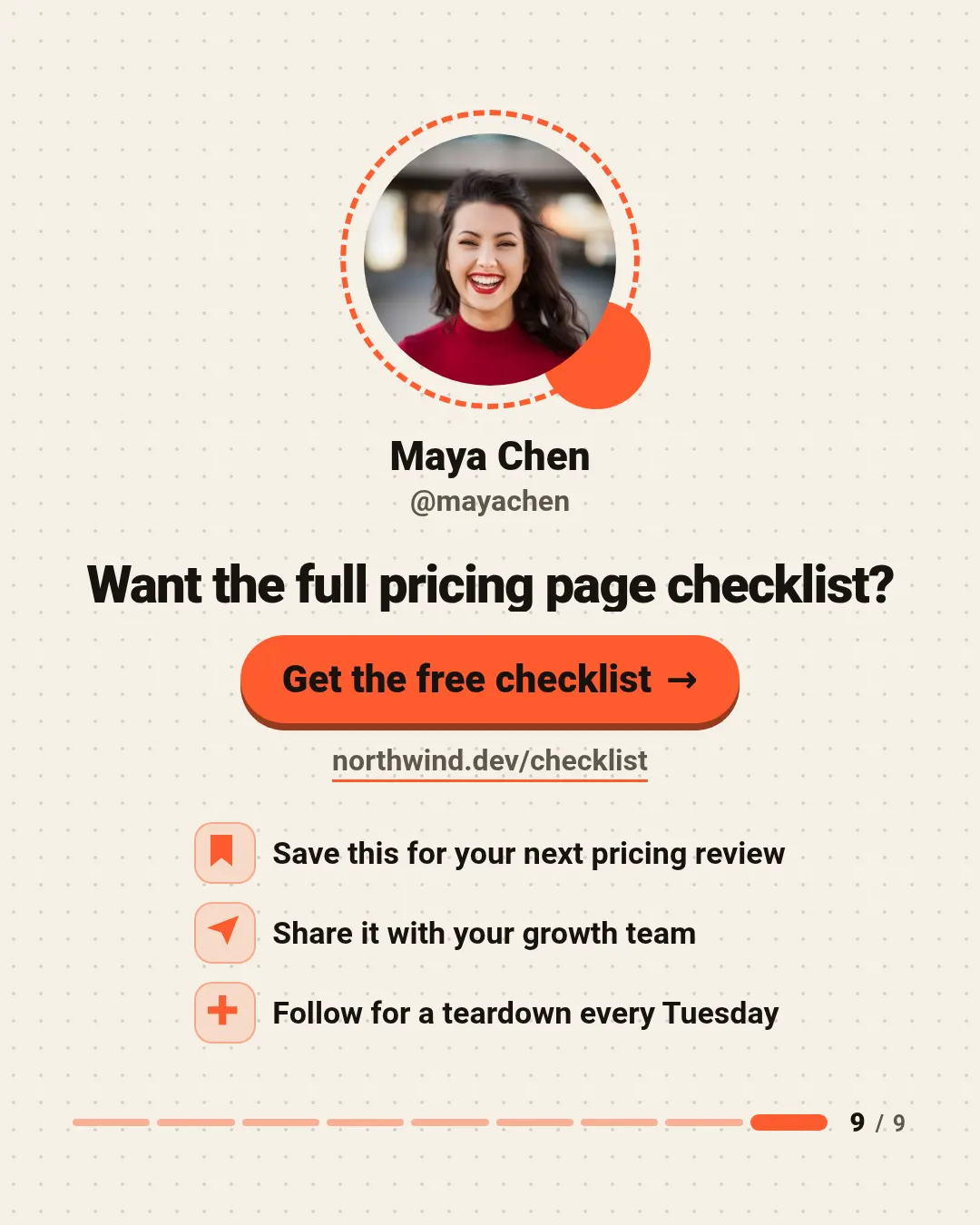
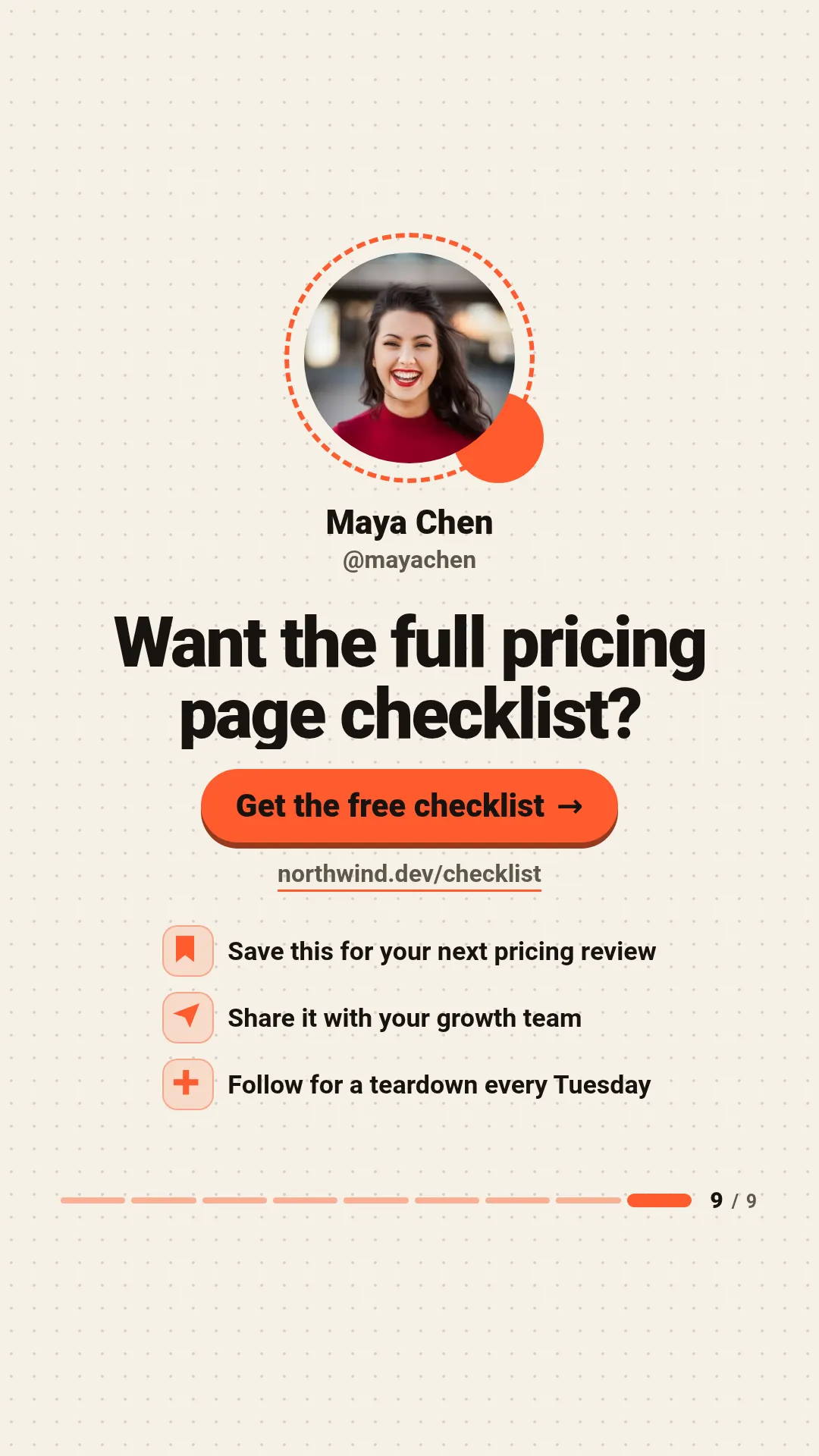
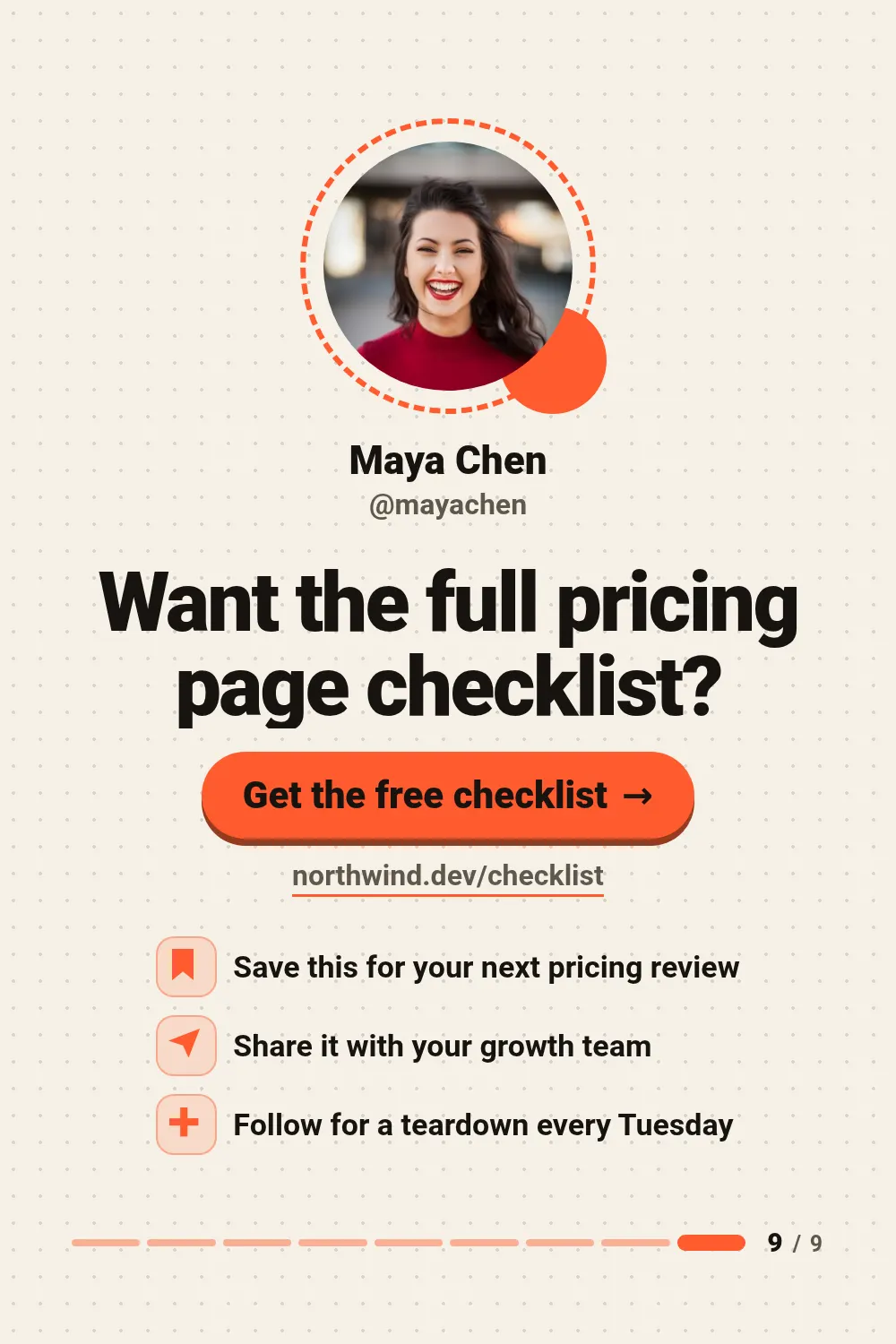

These are real renders from the API with the example values in the table below. Switch the size above: the same template lays itself out for all 6 sizes — send size or sizes with the request.
Closes a carousel made with carousel-cover and carousel-slide: same paper and the same rail, every tick filled. The headline autofits, the button and the link end with an ellipsis when too long, and without a photo the ring holds the author's initials. Wide frames put the author on the left and the call to action on the right; square and vertical frames stack everything in one centred column.
Fields
Every field is optional. Long text shrinks to fit instead of overflowing; an image field takes a public URL that we fetch on our side.
| Field | Type | Description | Example |
|---|---|---|---|
headline |
text | Closing line, e.g. a question that leads to the button. default: Found this useful? | Want the full pricing page checklist? |
cta_label |
text | Text on the button, e.g. Get the free checklist. | Get the free checklist |
url |
text | Link shown next to or under the button. | northwind.dev/checklist |
perks |
text | Up to three rows separated by ;, shown with a bookmark, paper plane and plus icon in that order. | Save this for your next pricing review;Share it with your growth team;Follow for a teardown every Tuesday |
author_name |
text | Author name under the photo. | Maya Chen |
author_handle |
text | Author handle under the name. | @mayachen |
slide_count |
text | Number of slides in the carousel, e.g. 9; draws the full rail. | 9 |
avatar |
image URL | Author photo in the dashed ring. | https://example.com/images/avatar-woman.jpg |
accent |
colour | Brand colour as hex, e.g. #6366f1. Drives buttons, highlights and the background glow. default: #ff5b2e | #ff5b2e |
theme |
dark | light | Colour scheme: dark or light. default: light | — |
Render it with one request
Use the slug as template. The response holds the URL of the finished PNG; ?wait=true keeps the connection open until it is ready.
curl -X POST "https://shareglint.com/v1/images?wait=true" \
  -H "Authorization: Bearer sk_live_YOUR_KEY" \
  -H "Content-Type: application/json" \
  -d '{
    "template": "carousel-end",
    "modifications": {
        "headline": "Want the full pricing page checklist?",
        "cta_label": "Get the free checklist",
        "url": "northwind.dev/checklist",
        "perks": "Save this for your next pricing review;Share it with your growth team;Follow for a teardown every Tuesday",
        "author_name": "Maya Chen",
        "author_handle": "@mayachen",
        "slide_count": "9",
        "avatar": "https://example.com/images/avatar-woman.jpg"
    }
}'
Or paste a signed URL into og:image
For static sites, Webflow, Shopify and no-code tools: put the fields in the query string and sign it with your signing secret. The first request renders the image, every later one is a redirect to the cached file. How to compute the signature.
<meta property="og:image" content="https://shareglint.com/i/acc_YOUR_ACCOUNT_ID/carousel-end.png?author_handle=%40mayachen&author_name=Maya%20Chen&cta_label=Get%20the%20free%20checklist&headline=Want%20the%20full%20pricing%20page%20checklist%3F&perks=Save%20this%20for%20your%20next%20pricing%20review%3BShare%20it%20with%20your%20growth%20team%3BFollow%20for%20a%20teardown%20every%20Tuesday&slide_count=9&url=northwind.dev%2Fchecklist&s=YOUR_SIGNATURE">Make it yours
accent and theme change per request. For anything more, copy the template into your account: you get an ordinary HTML template with the same fields that you can edit in the dashboard or through the API. If the slug is free on your account, the copy takes it — your integrations switch to your version without changing a line.
curl -X POST "https://shareglint.com/v1/templates/library/carousel-end/copy" \
-H "Authorization: Bearer sk_live_YOUR_KEY"More Social media & creators templates
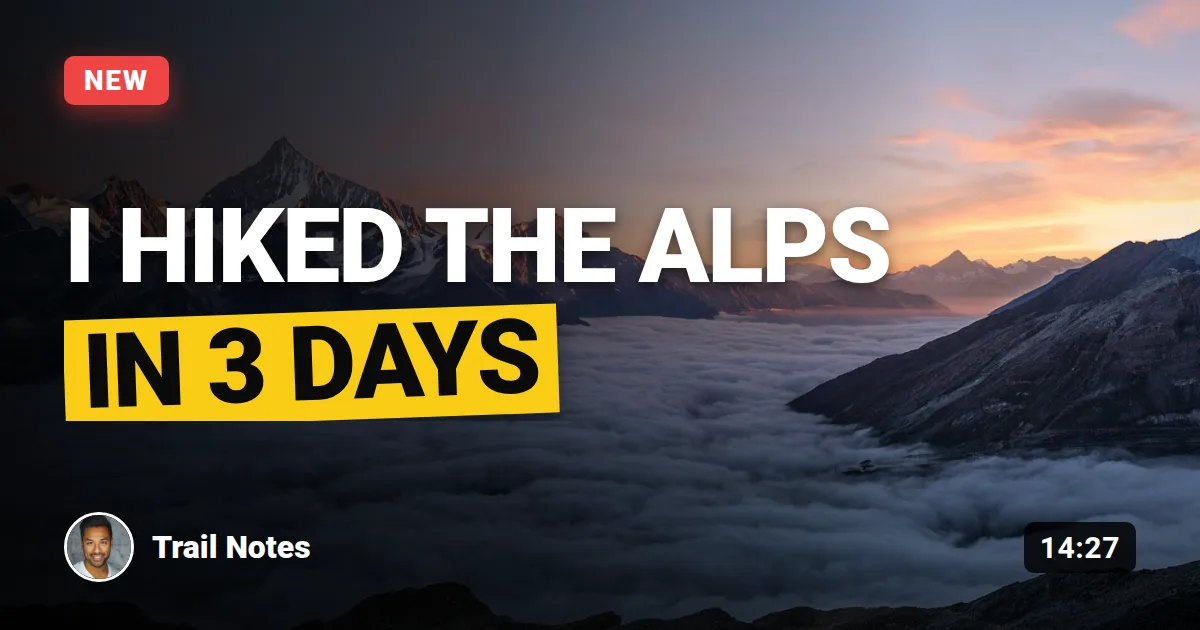 Video thumbnail
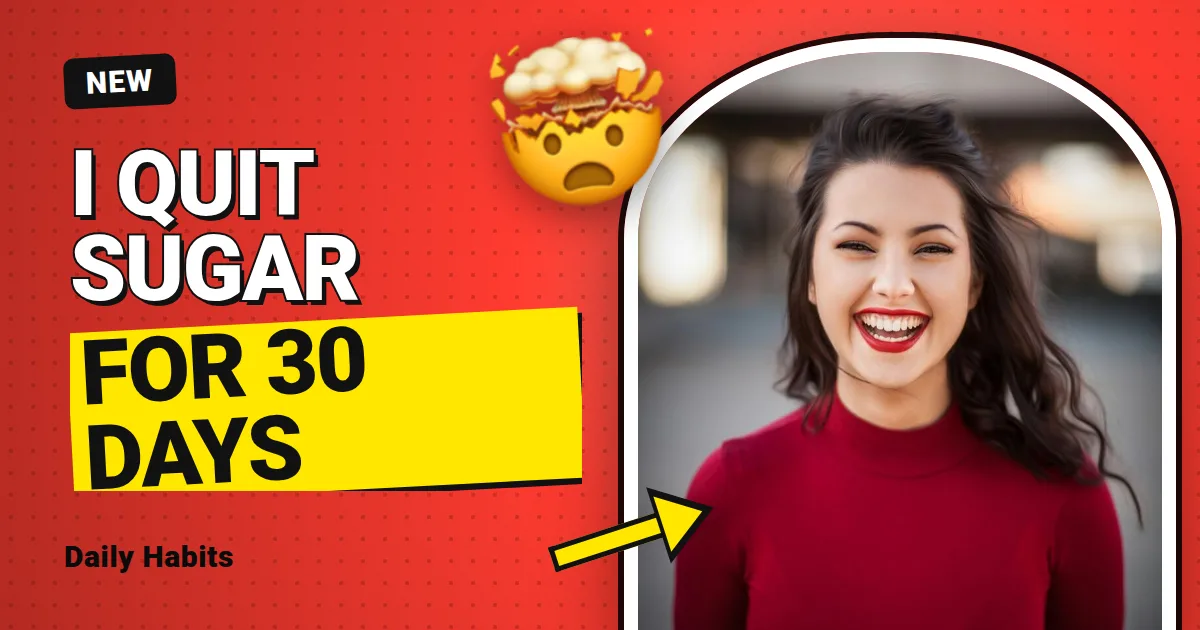 Creator thumbnail
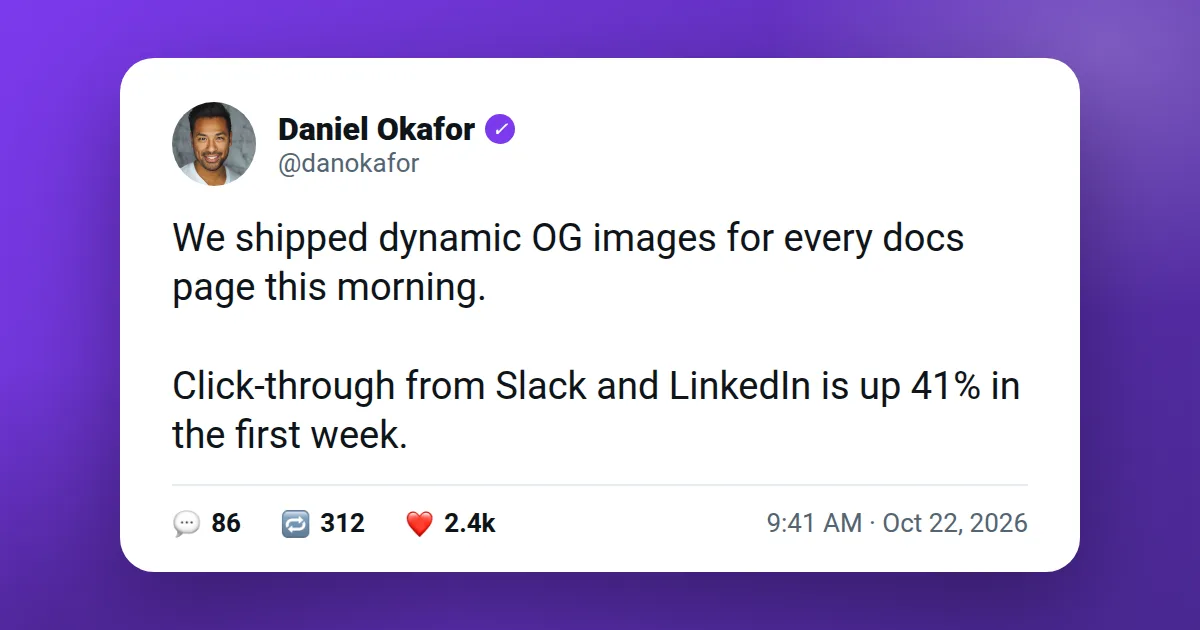 Social post
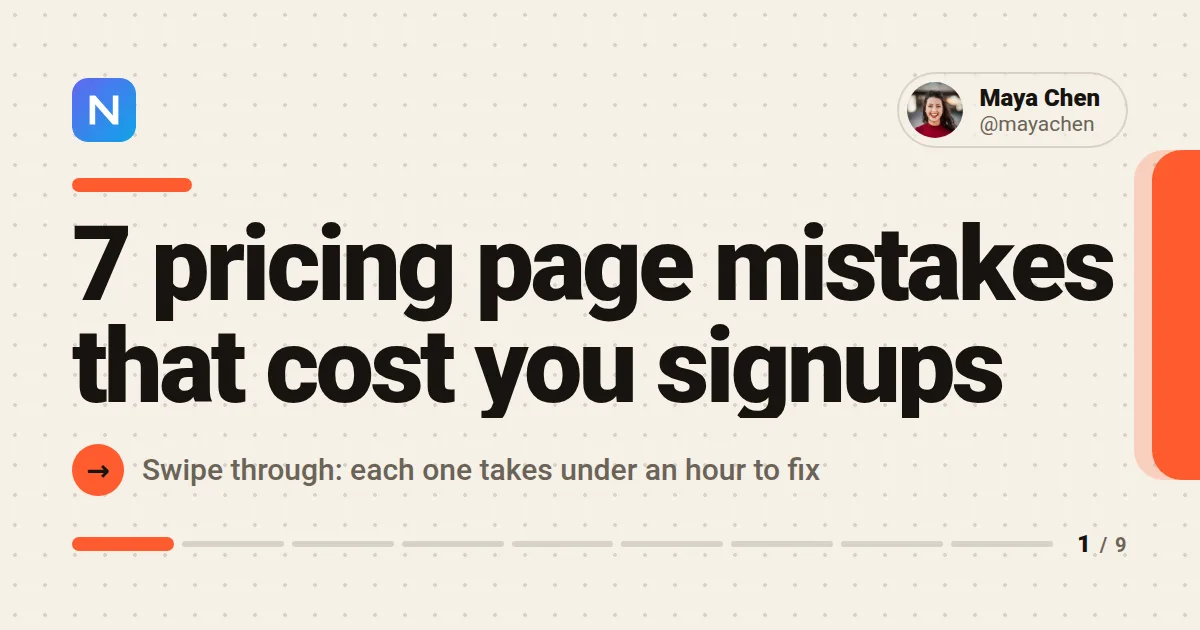 Carousel cover
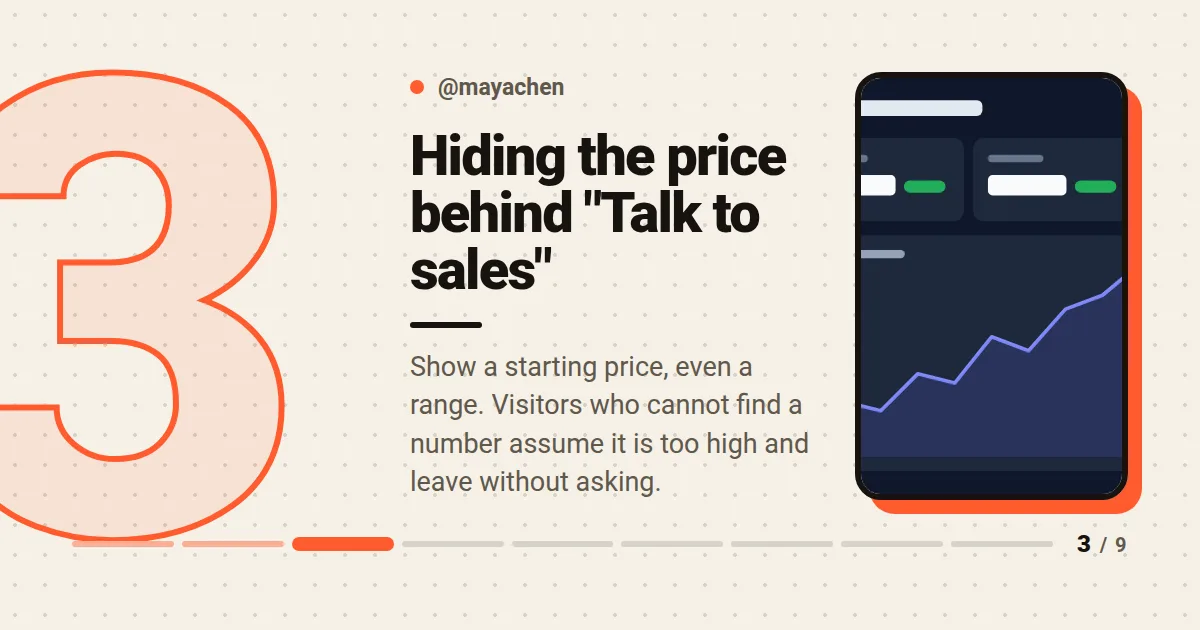 Carousel slide
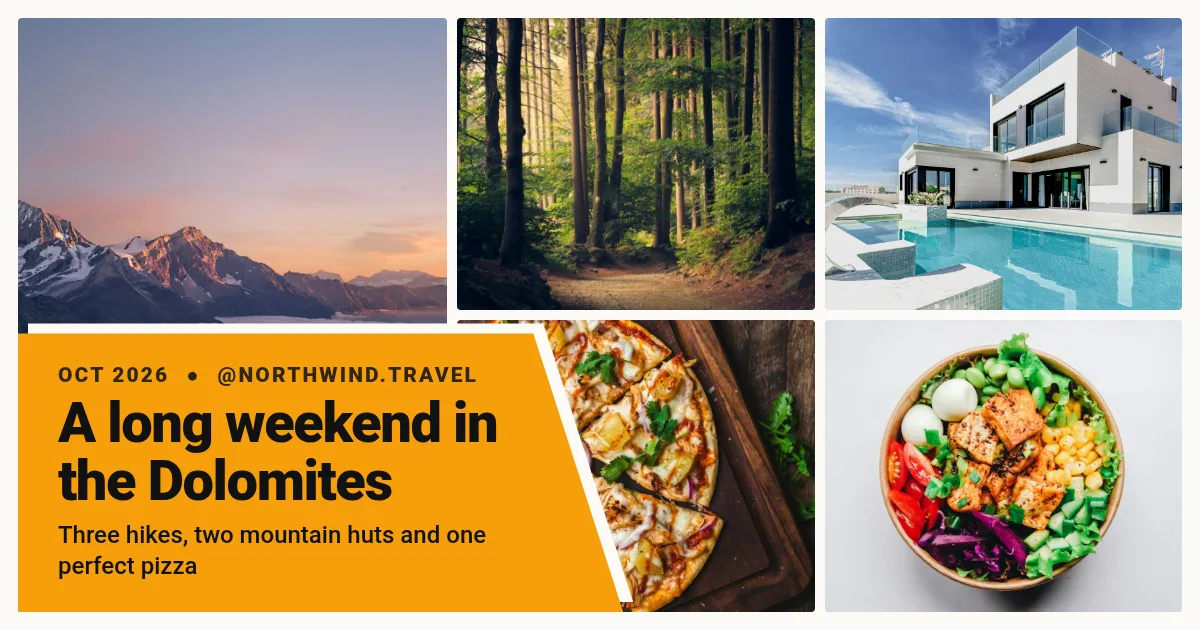 Photo collage
 Story new post
 Reaction thumbnail
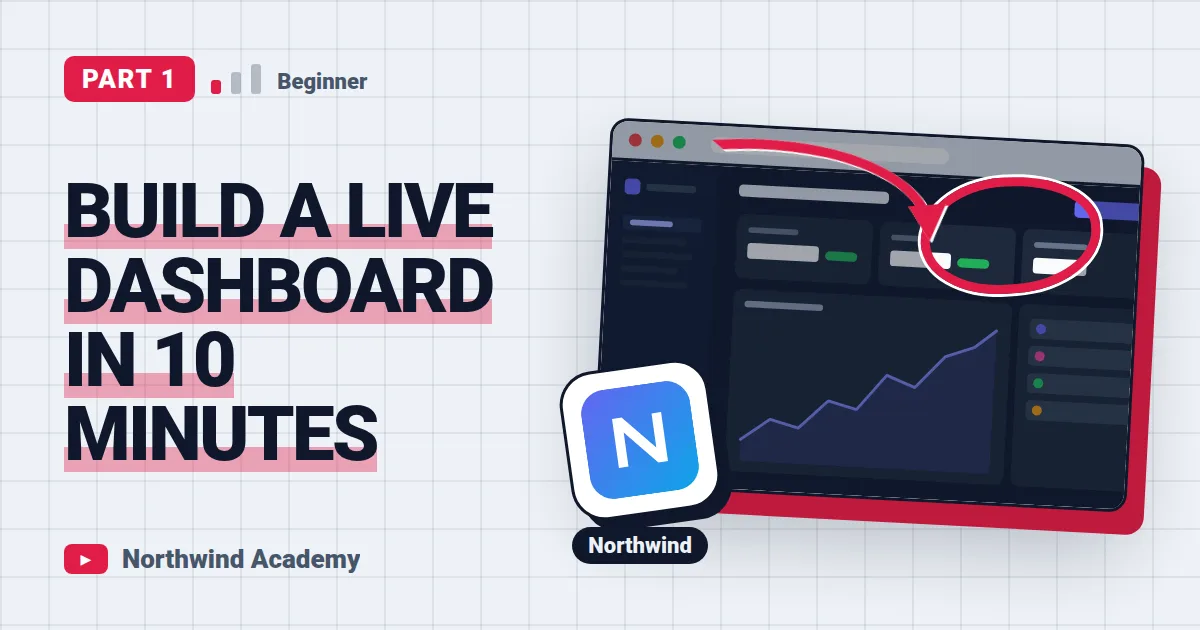 Tutorial thumbnail
All 19 Social media & creators templates → · All templates →