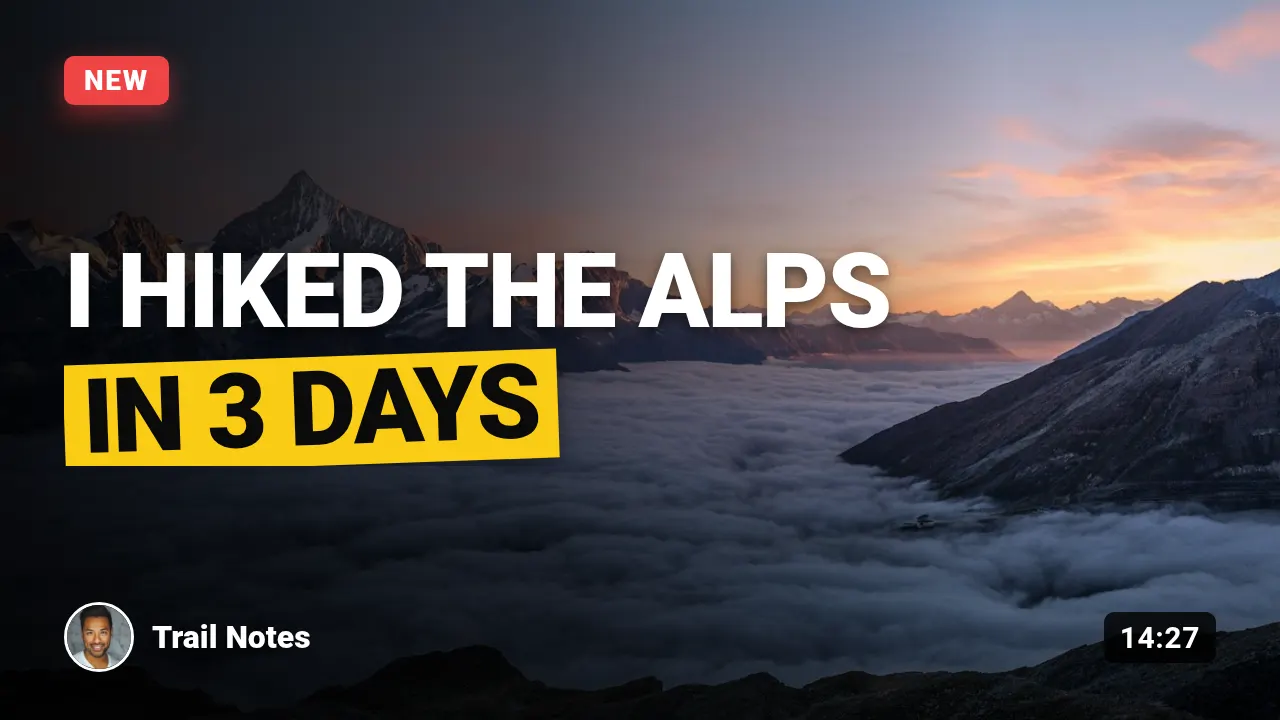
Video thumbnail
Bold uppercase title over a photo, a highlighted second line, channel and duration — YouTube style.
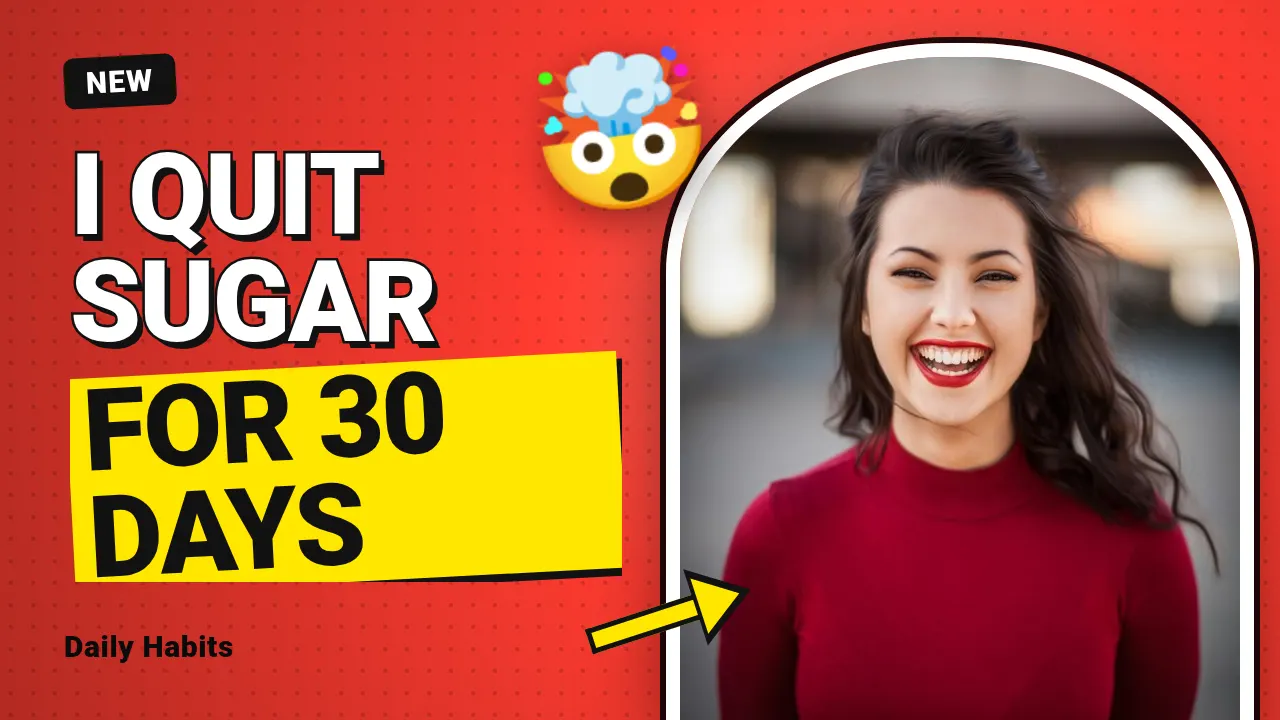
Creator thumbnail
A face cut out with a white outline, two to four huge words, a yellow highlight and an arrow.
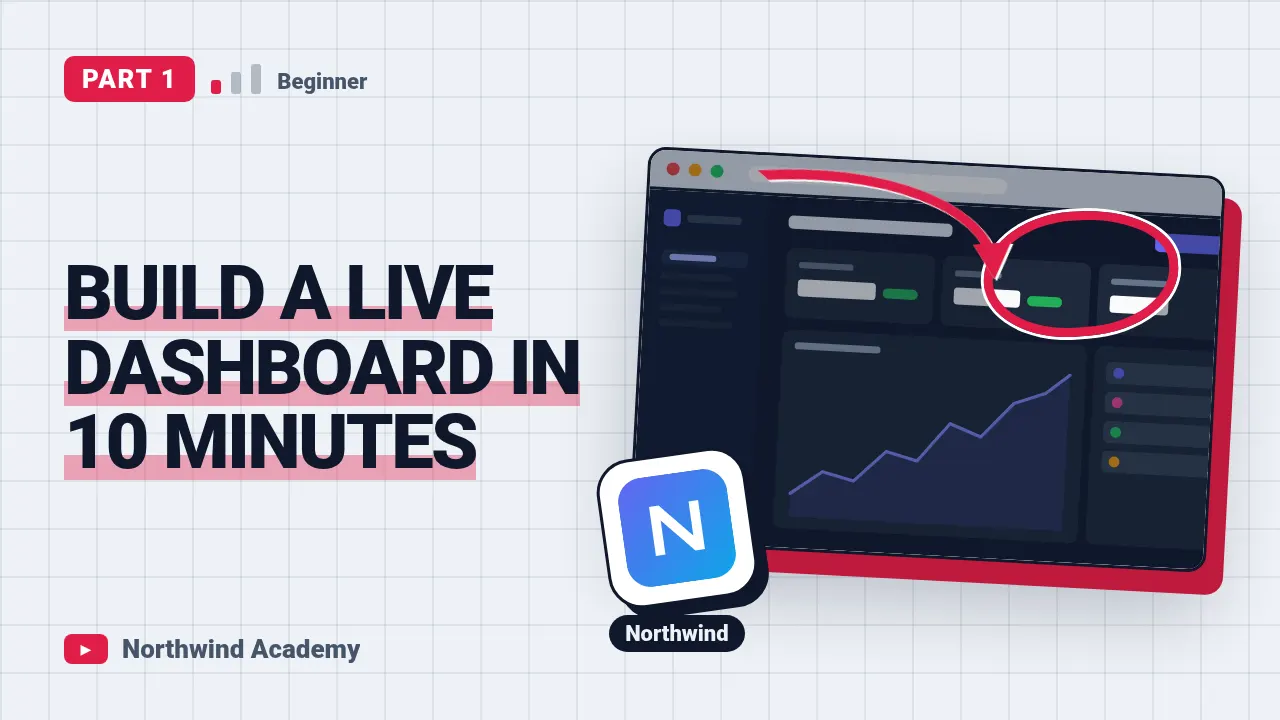
Tutorial thumbnail
How-to video thumbnail: a screenshot in a tilted app window with a marker circle and a curved arrow on the spot that matters, the tool's logo on a big tile and a bold promise next to it.
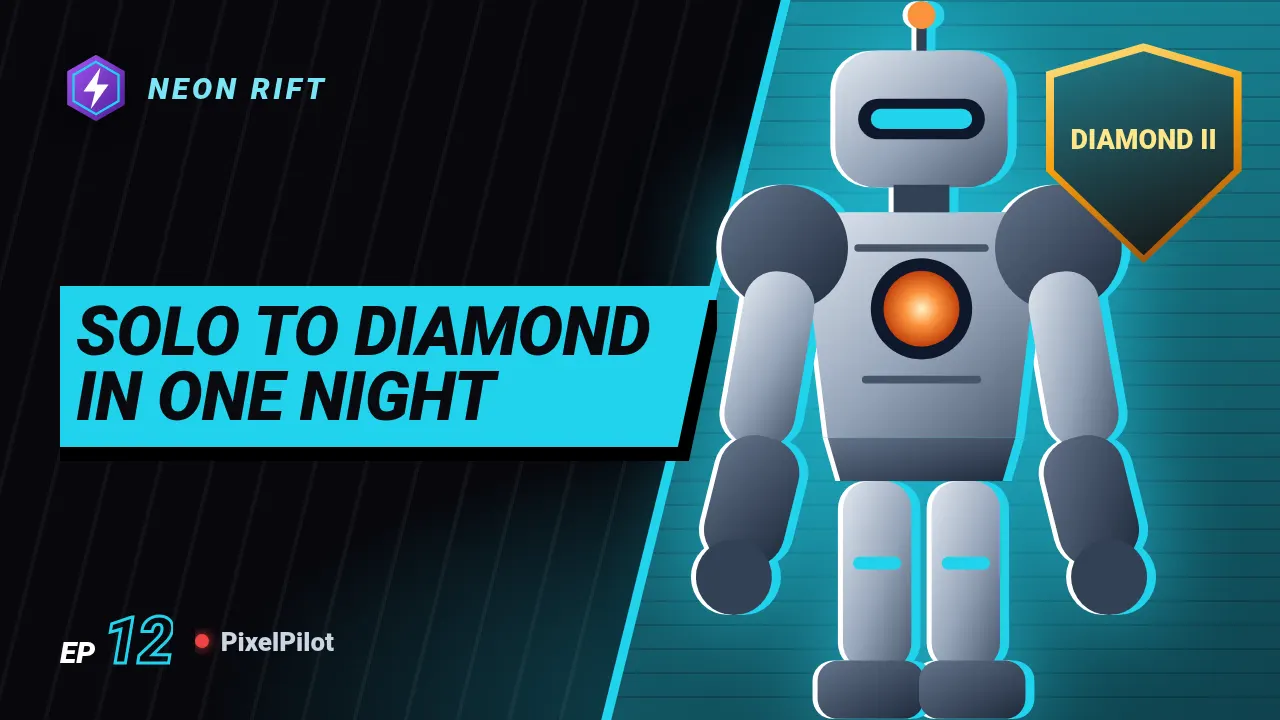
Gaming thumbnail
Gaming video or stream thumbnail: the character large with a hard rim light, the title on a slanted band, the episode number, and the rank on a gold shield.
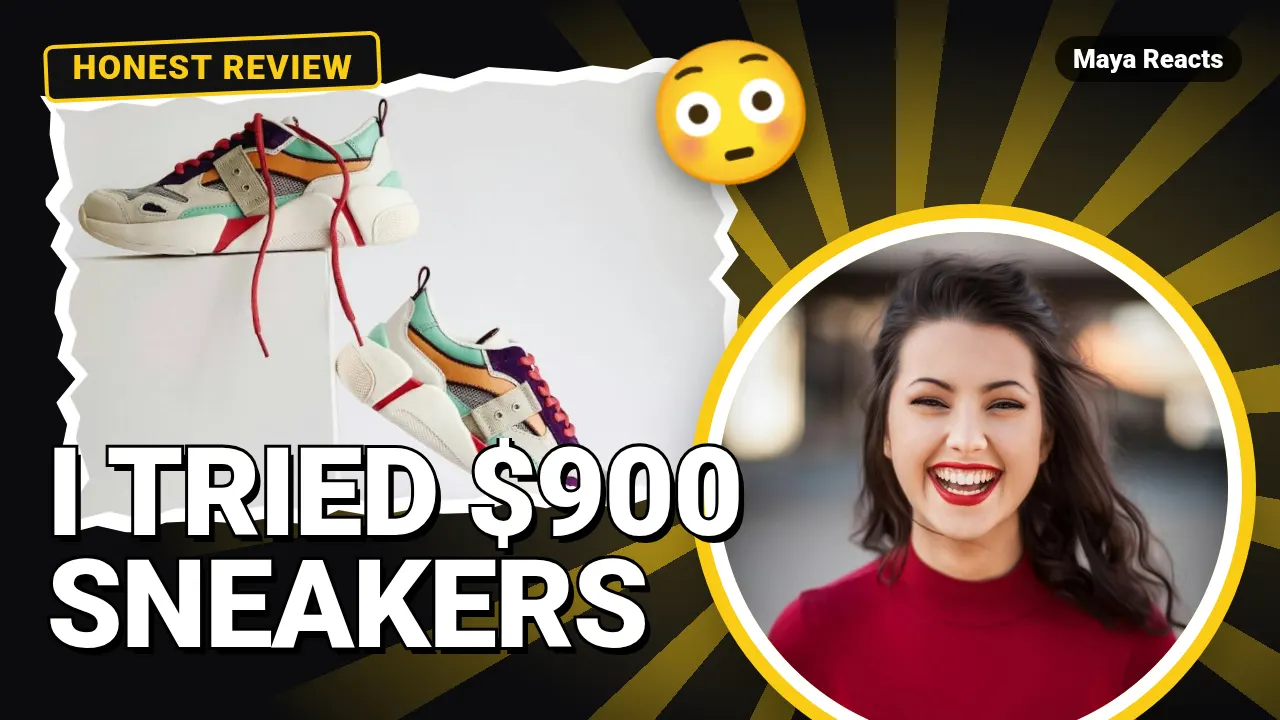
Reaction thumbnail
YouTube reaction thumbnail: the thing you react to in a torn paper frame, your face in a big ringed circle, two or three words in heavy outlined type over rays in the accent colour.
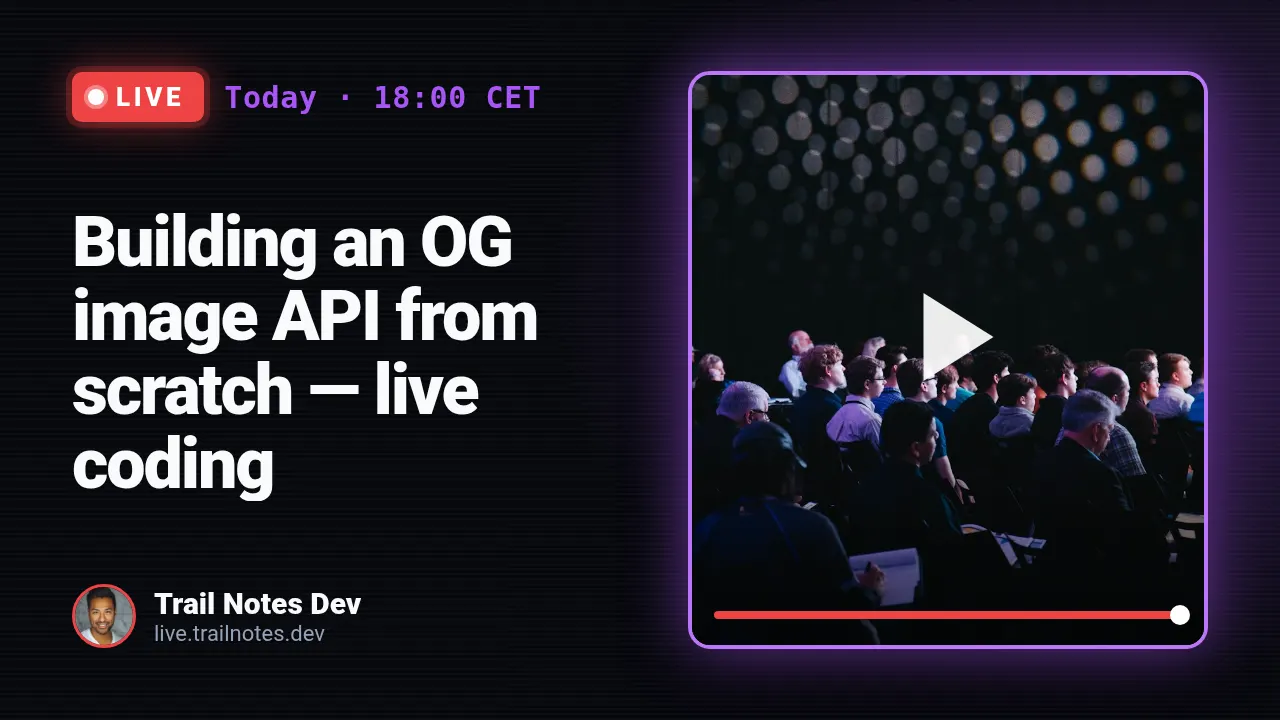
Livestream
A glowing LIVE badge, the start time in a monospace face, the stream title and a player frame with your image.
Render one
Send the template slug, your text and the size, and the image URL comes back in seconds. Every template lays itself out for every size preset (og 1200×630, square 1080×1080, portrait 1080×1350, story 1080×1920, pinterest 1000×1500, youtube 1280×720), so `sizes` gives you several formats from one request.
curl -X POST "https://shareglint.com/v1/images?wait=true" \
  -H "Authorization: Bearer sk_live_..." \
  -H "Content-Type: application/json" \
  -d '{
    "template": "video-thumbnail",
    "size": "youtube",
    "modifications": {
        "title": "I hiked the Alps",
        "highlight": "in 3 days",
        "badge": "NEW"
    }
}'
Automating it for many images: YouTube thumbnails from a template: size, API and bulk.