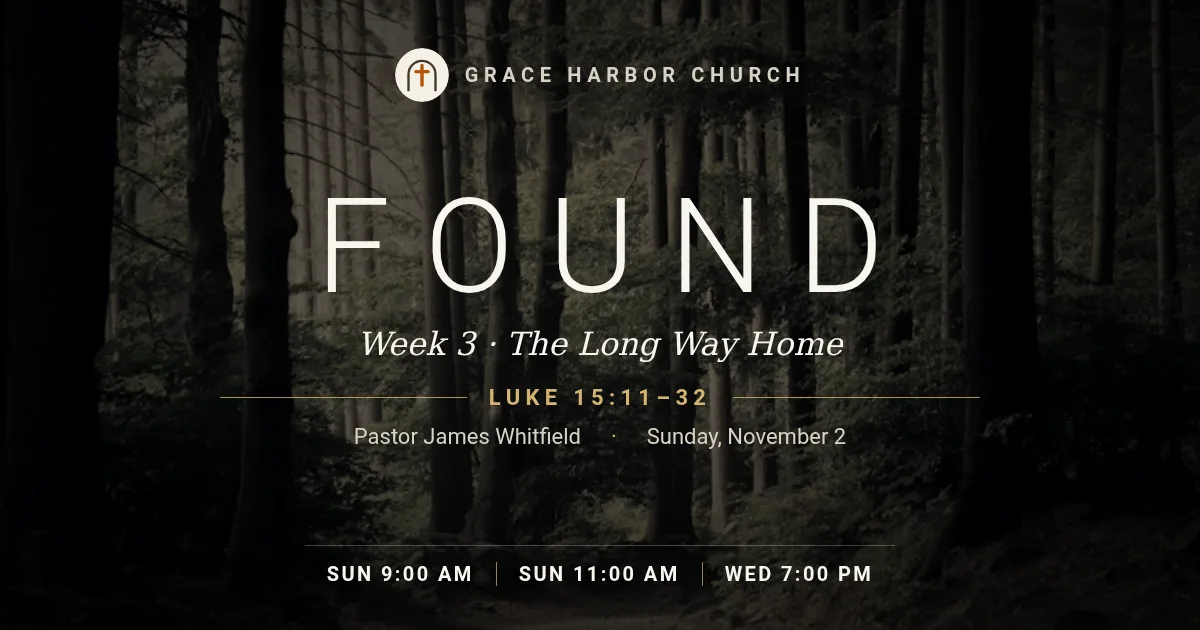
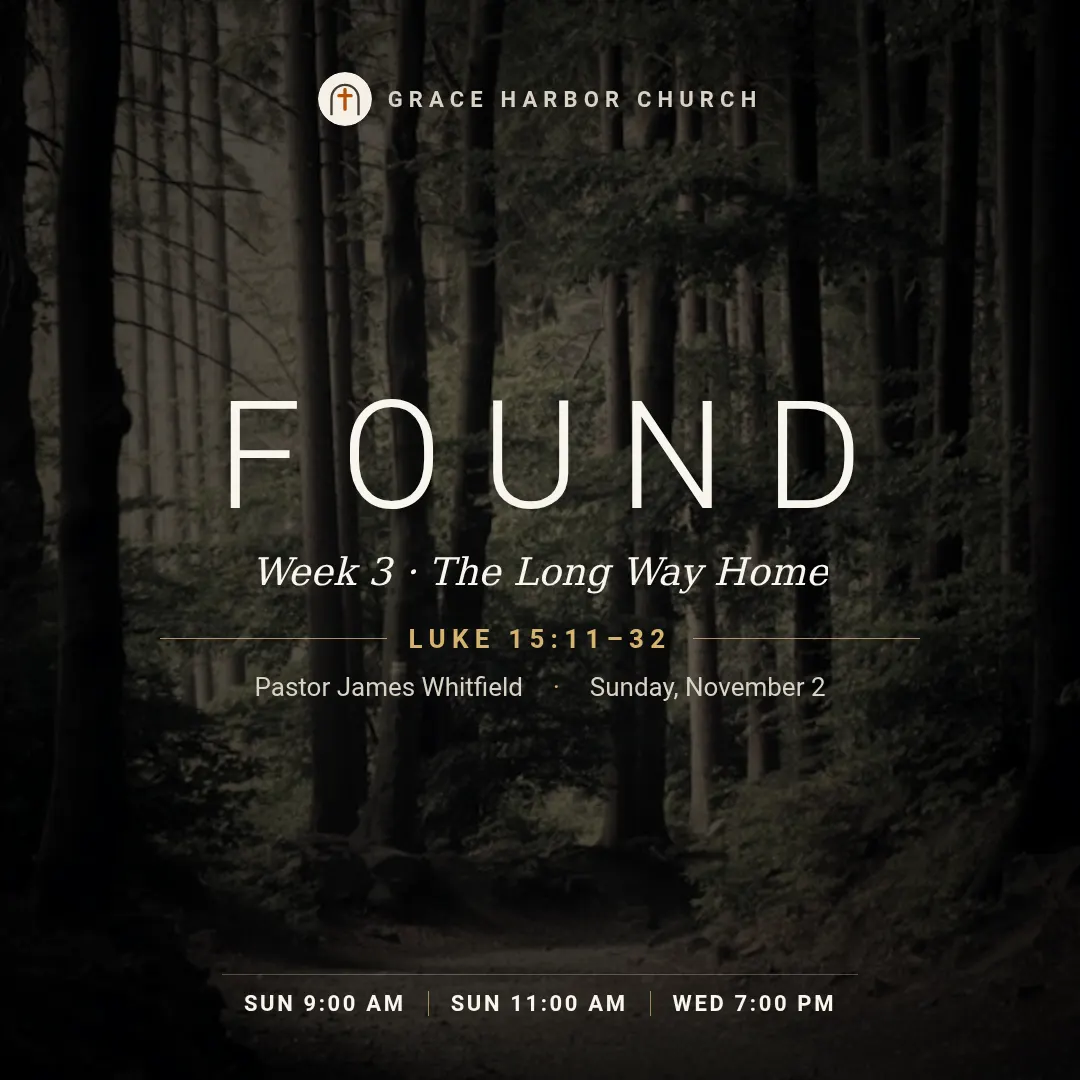
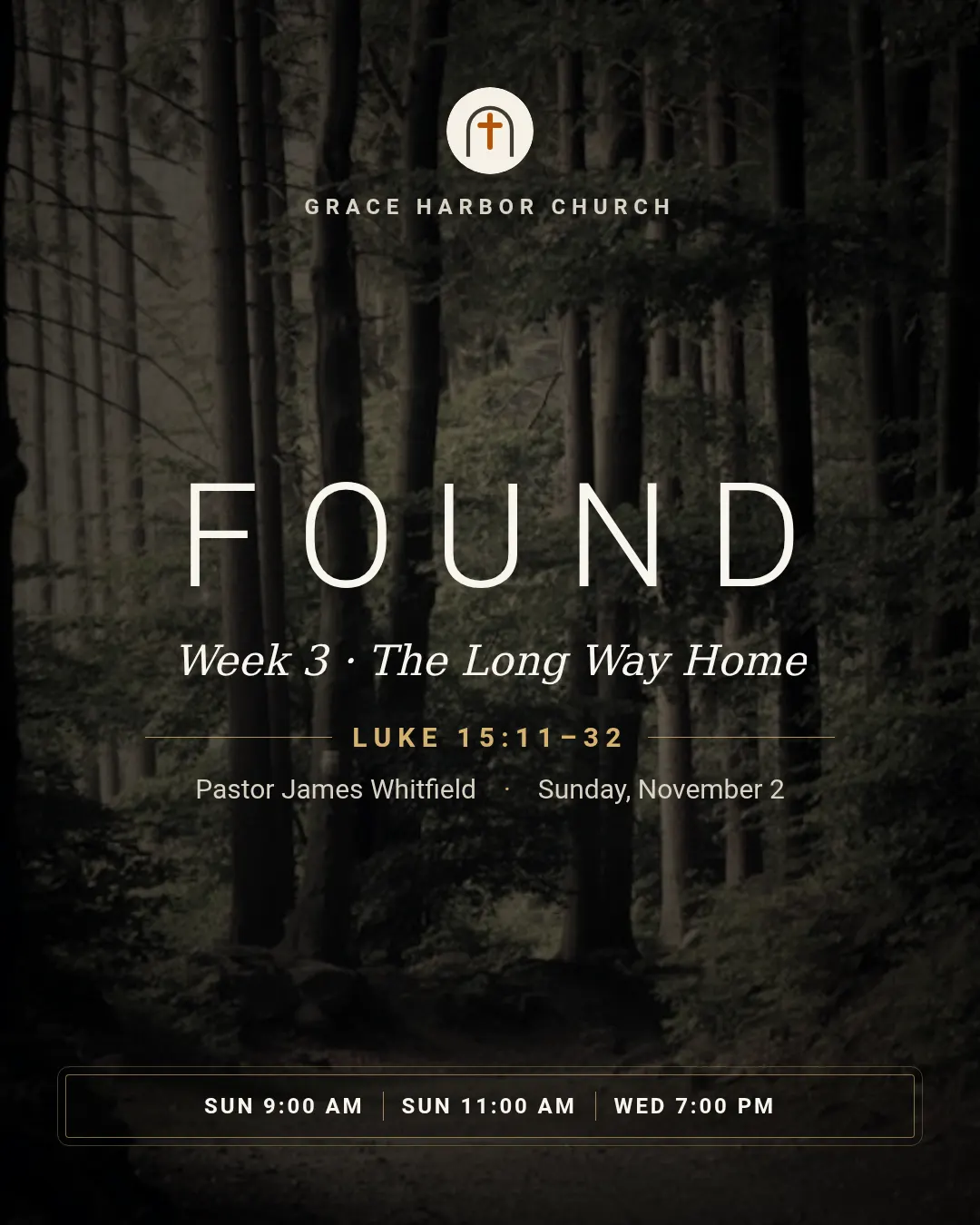
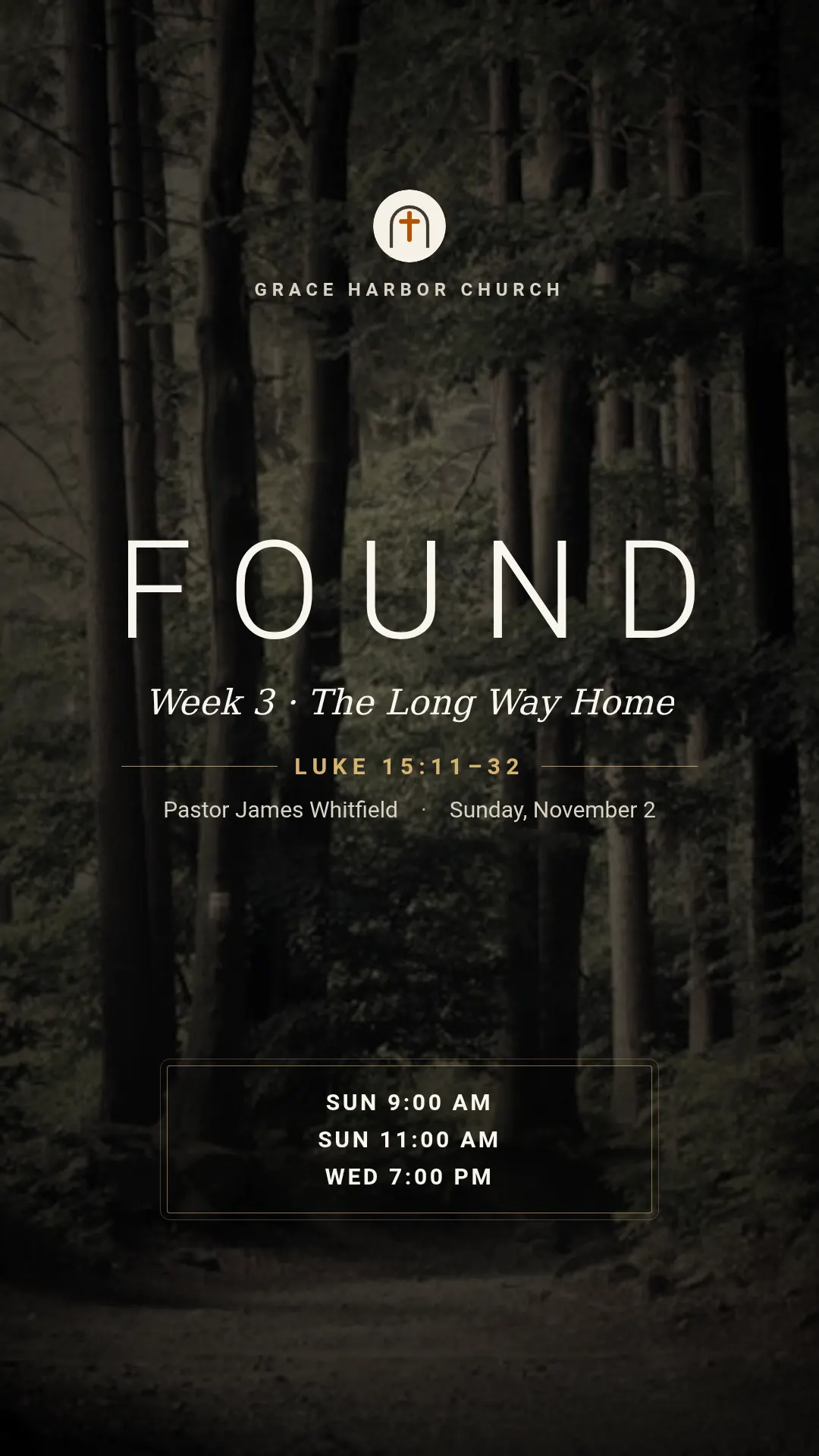
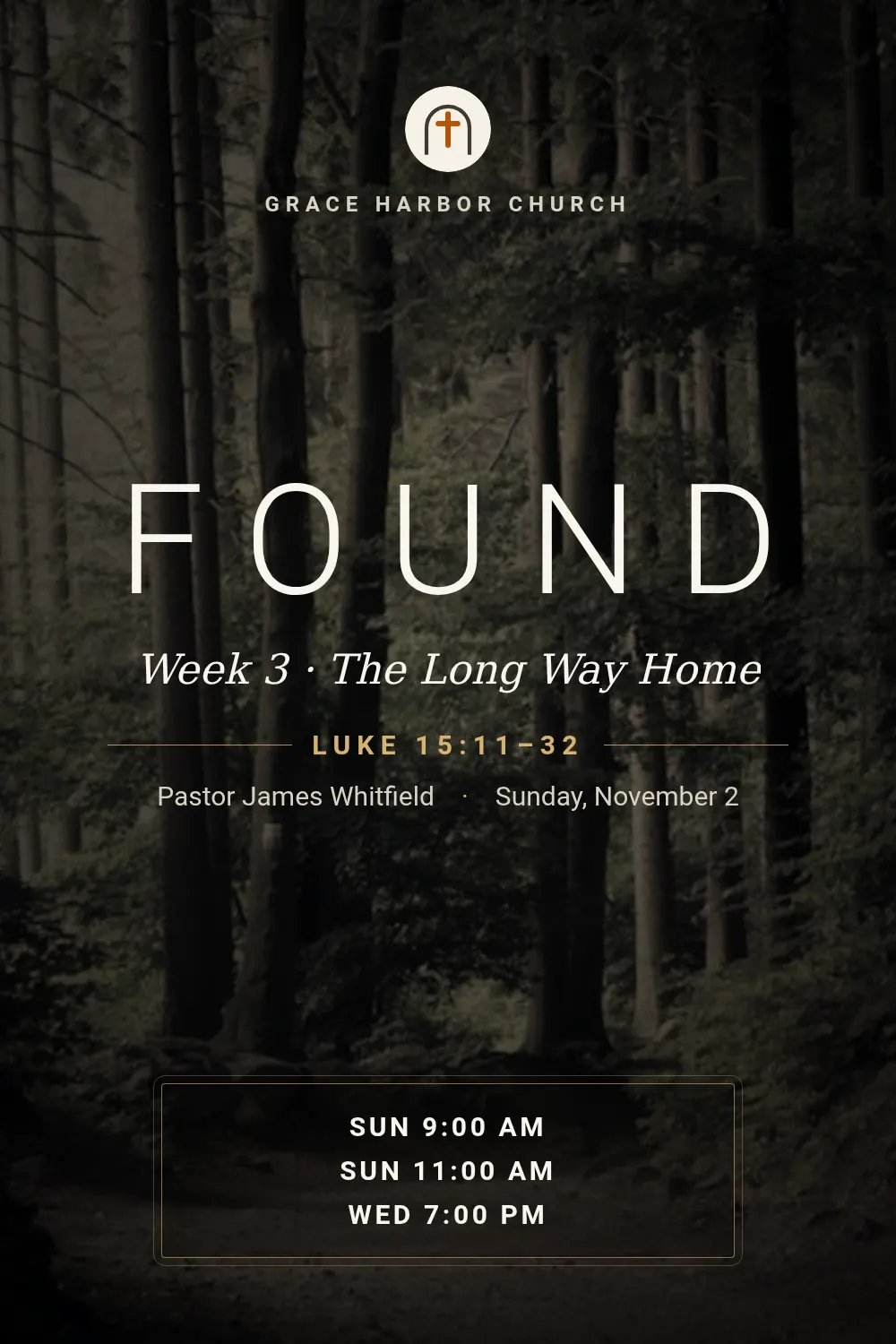
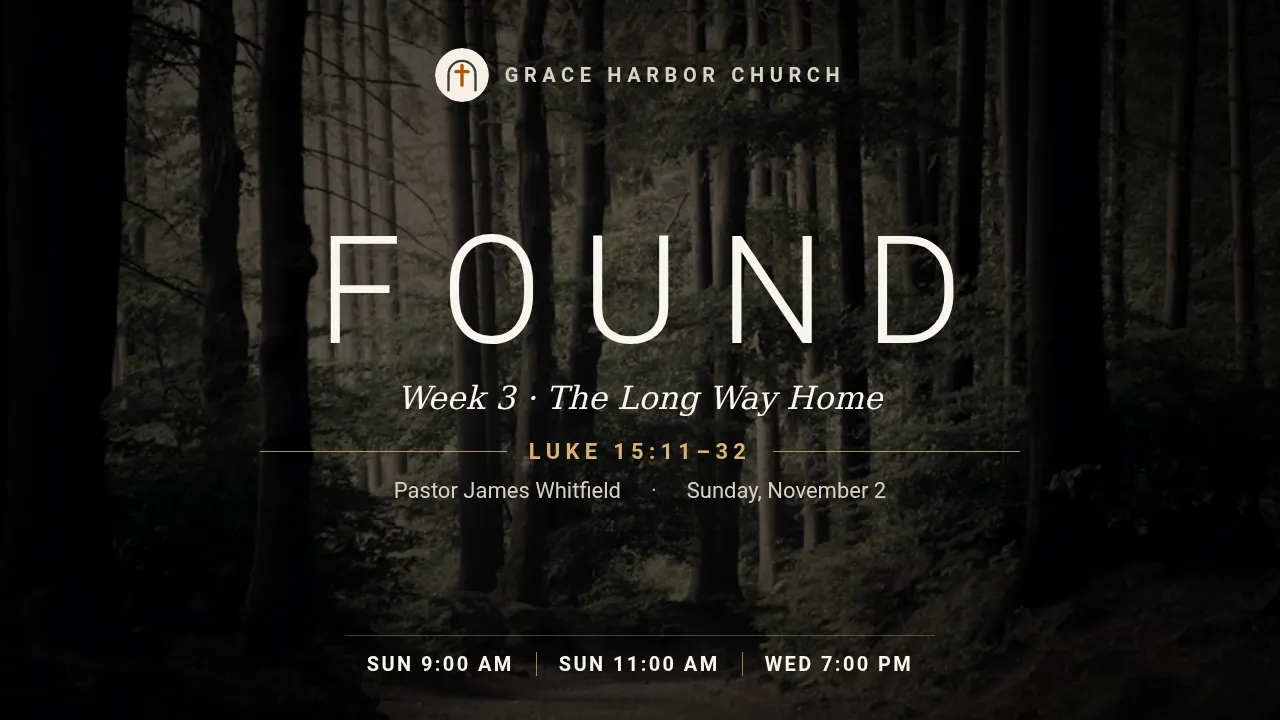
These are real renders from the API with the example values in the table below. Switch the size above: the same template lays itself out for all 6 sizes — send size or sizes with the request.
For churches, ministries and church-management software announcing the weekly message. The series name is sized so a word is never split and shrinks to fit when long; the message title wraps to two or three lines, up to four service times are listed and the rest counted as "+N", and without an image the background becomes light falling from above in the accent colour. Wide frames centre everything in one block with the times in a row; tall frames give the name more height and list the times one per line in a framed box.
Fields
Every field is optional. Long text shrinks to fit instead of overflowing; an image field takes a public URL that we fetch on our side.
| Field | Type | Description | Example |
|---|---|---|---|
series |
text | Series name, set in large spaced capitals. default: Series | Found |
title |
text | This week's message, in an italic serif, e.g. Week 3 · The Long Way Home. | Week 3 · The Long Way Home |
speaker |
text | Who preaches, shown with the date. | Pastor James Whitfield |
date |
text | Date as you want it shown, e.g. Sunday, November 2. | Sunday, November 2 |
scripture |
text | Scripture reference on the thin rule, e.g. Luke 15:11–32. | Luke 15:11–32 |
service_times |
text |
Service times separated by ;, e.g. Sun 9:00 AM;Sun 11:00 AM;Wed 7:00 PM. Up to four.
|
Sun 9:00 AM;Sun 11:00 AM;Wed 7:00 PM |
church |
text | Church name next to the logo at the top. | Grace Harbor Church |
image |
image URL | Background photo; it is muted and warmed with the accent colour. | https://example.com/images/forest.jpg |
logo |
image URL | Church logo, round or square. | https://example.com/images/b08-church.png |
accent |
colour | Brand colour as hex, e.g. #6366f1. Drives buttons, highlights and the background glow. default: #d6b370 | #d6b370 |
theme |
dark | light | Colour scheme: dark or light. | — |
Render it with one request
Use the slug as template. The response holds the URL of the finished PNG; ?wait=true keeps the connection open until it is ready.
curl -X POST "https://shareglint.com/v1/images?wait=true" \
  -H "Authorization: Bearer sk_live_YOUR_KEY" \
  -H "Content-Type: application/json" \
  -d '{
    "template": "sermon-series",
    "modifications": {
        "series": "Found",
        "title": "Week 3 · The Long Way Home",
        "speaker": "Pastor James Whitfield",
        "date": "Sunday, November 2",
        "scripture": "Luke 15:11–32",
        "service_times": "Sun 9:00 AM;Sun 11:00 AM;Wed 7:00 PM",
        "church": "Grace Harbor Church",
        "image": "https://example.com/images/forest.jpg",
        "logo": "https://example.com/images/b08-church.png"
    }
}'
Or paste a signed URL into og:image
For static sites, Webflow, Shopify and no-code tools: put the fields in the query string and sign it with your signing secret. The first request renders the image, every later one is a redirect to the cached file. How to compute the signature.
<meta property="og:image" content="https://shareglint.com/i/acc_YOUR_ACCOUNT_ID/sermon-series.png?church=Grace%20Harbor%20Church&date=Sunday%2C%20November%202&scripture=Luke%2015%3A11%E2%80%9332&series=Found&service_times=Sun%209%3A00%20AM%3BSun%2011%3A00%20AM%3BWed%207%3A00%20PM&speaker=Pastor%20James%20Whitfield&title=Week%203%20%C2%B7%20The%20Long%20Way%20Home&s=YOUR_SIGNATURE">Make it yours
accent and theme change per request. For anything more, copy the template into your account: you get an ordinary HTML template with the same fields that you can edit in the dashboard or through the API. If the slug is free on your account, the copy takes it — your integrations switch to your version without changing a line.
curl -X POST "https://shareglint.com/v1/templates/library/sermon-series/copy" \
-H "Authorization: Bearer sk_live_YOUR_KEY" Event
Event
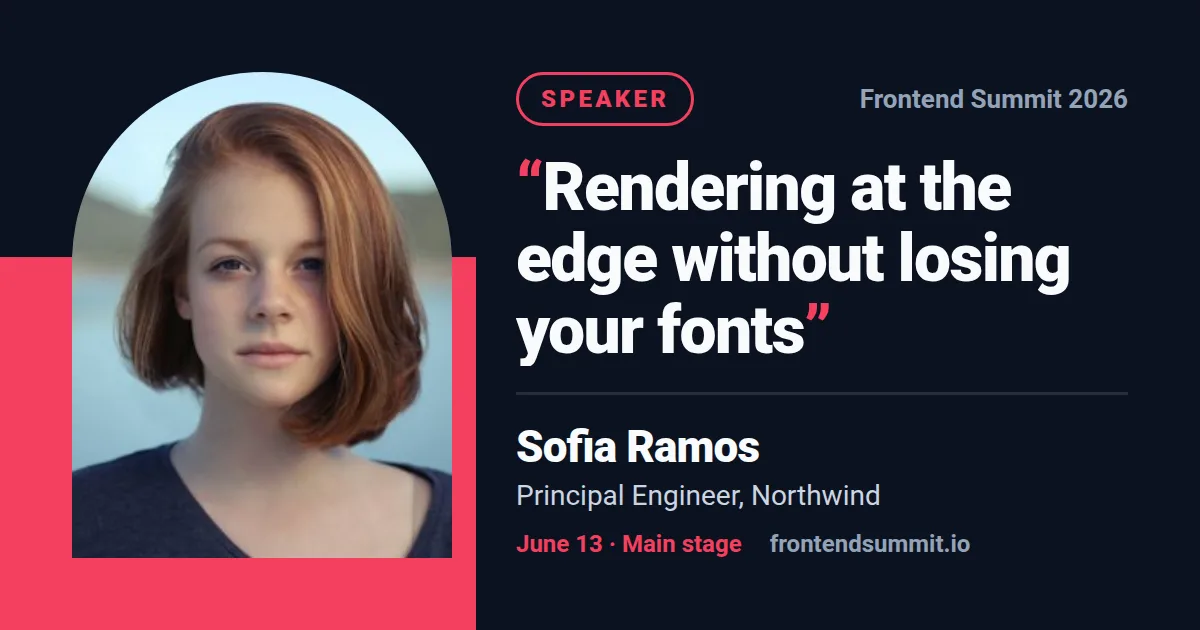 Speaker card
 Webinar
 Community meetup
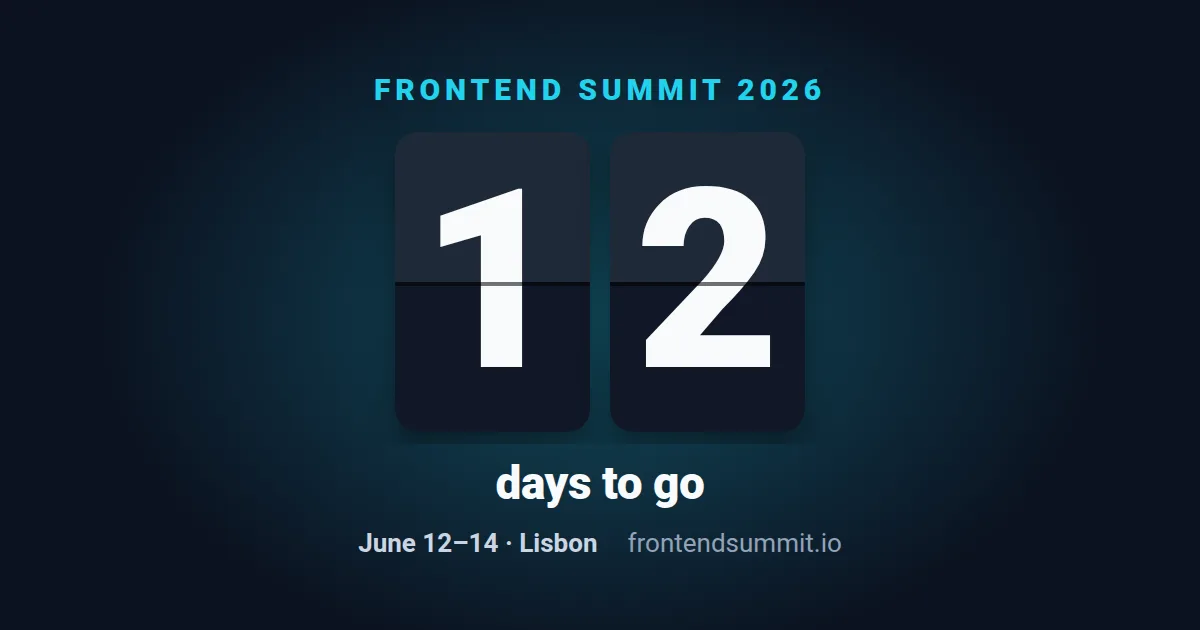 Countdown
 Event ticket
 Livestream
 Event badge
 Attending event