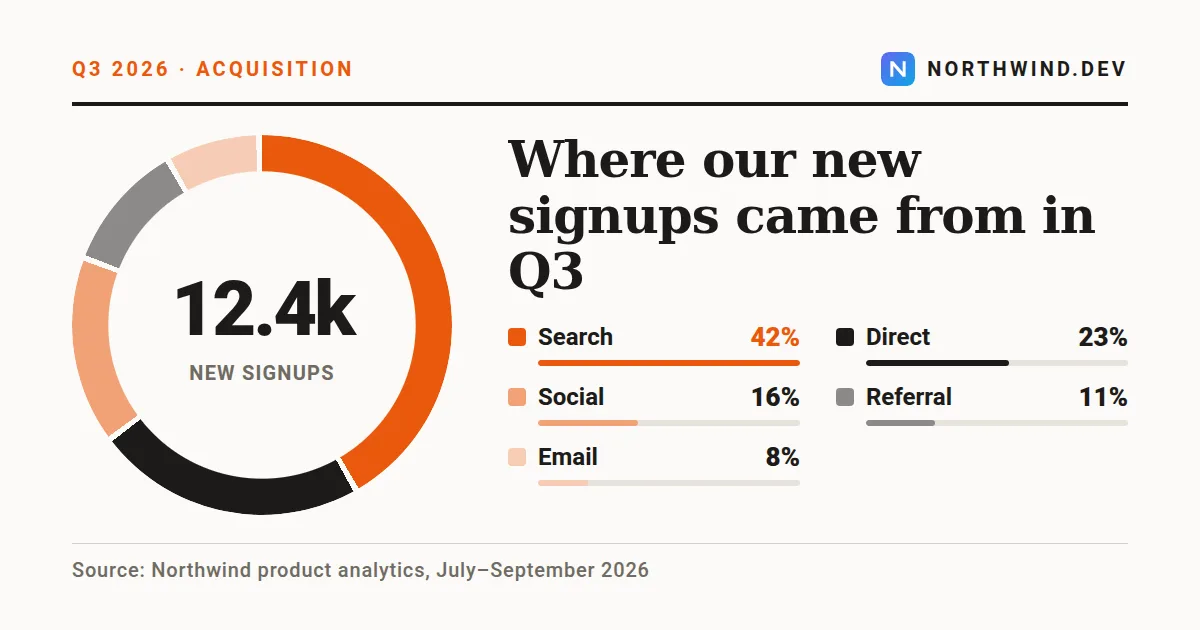
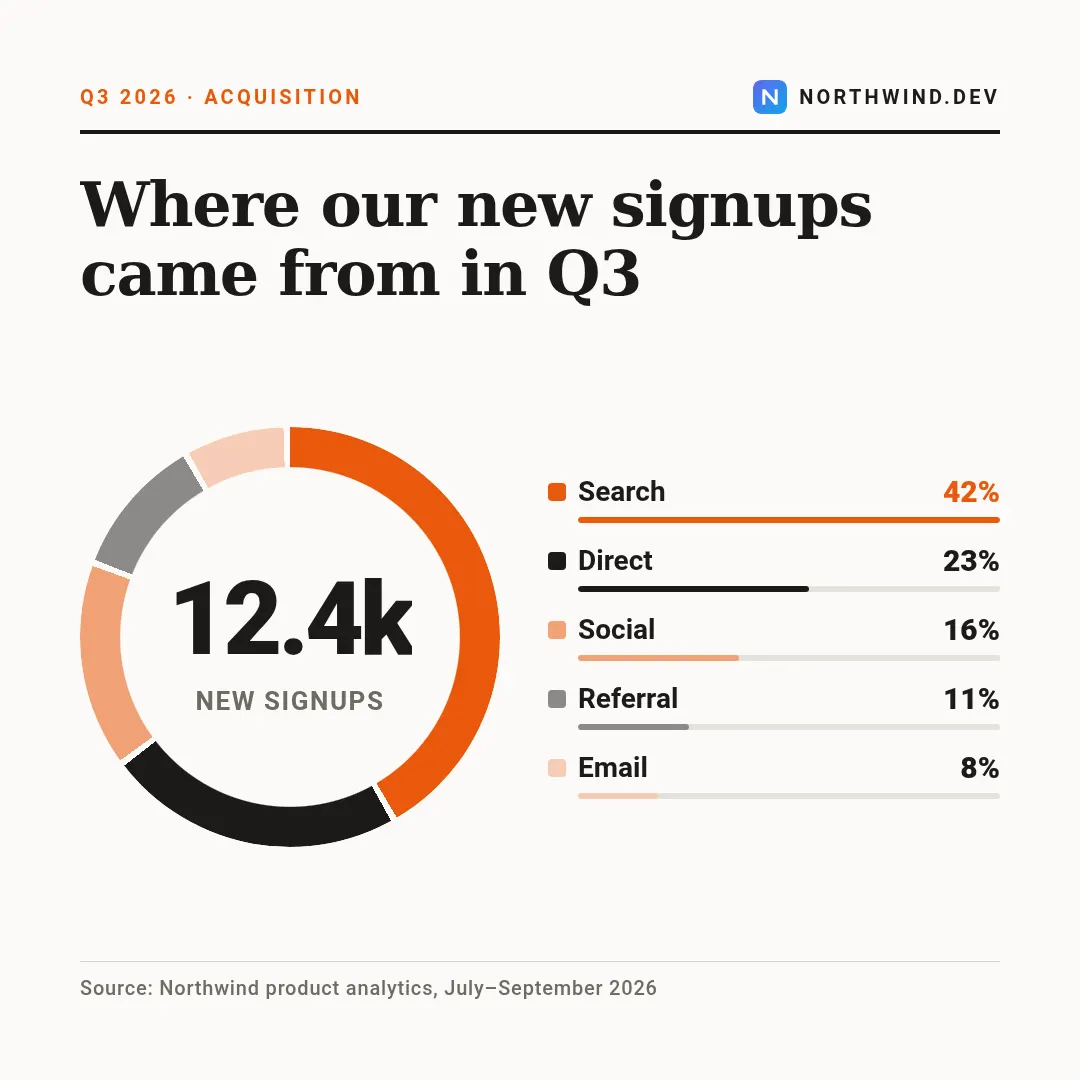
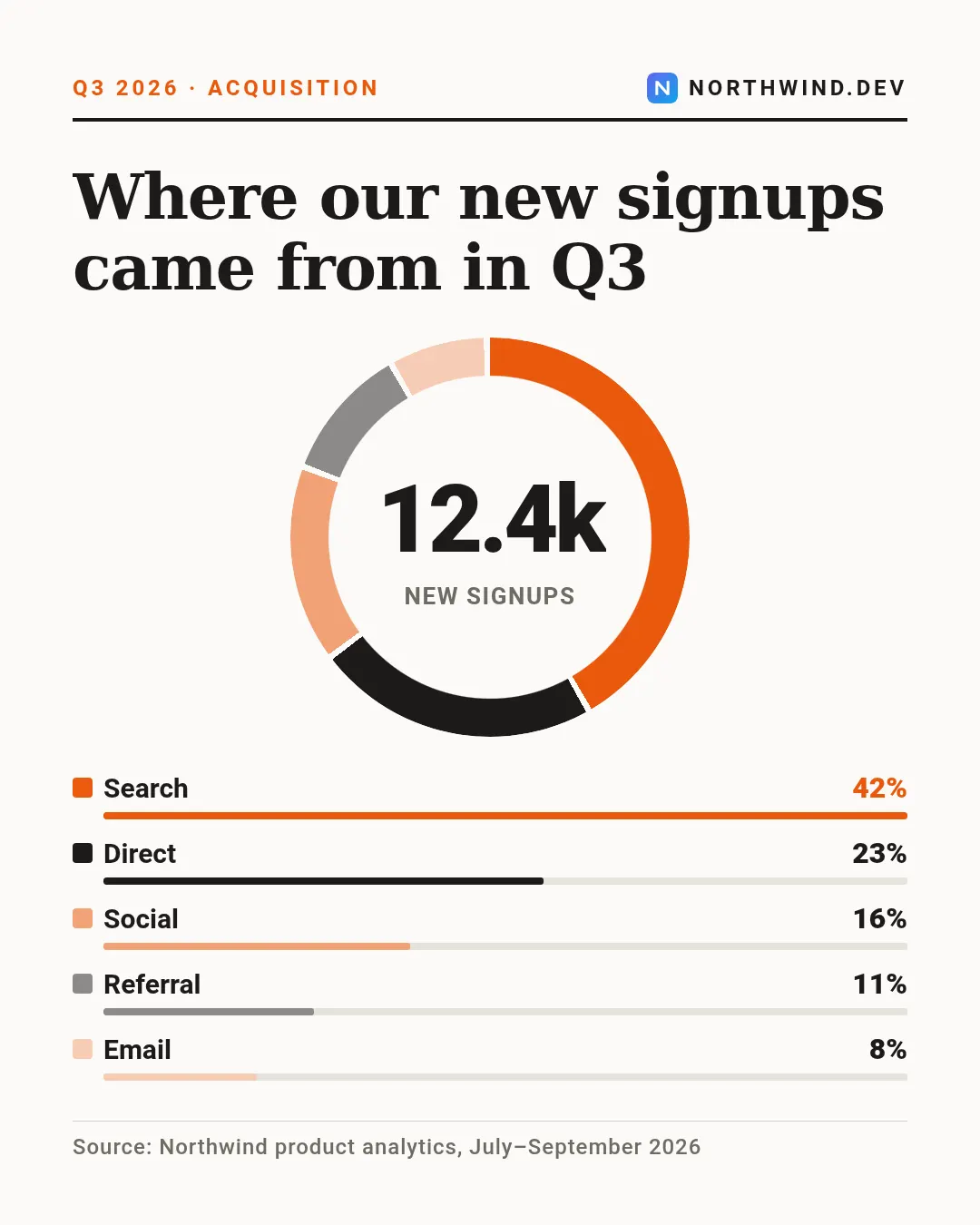
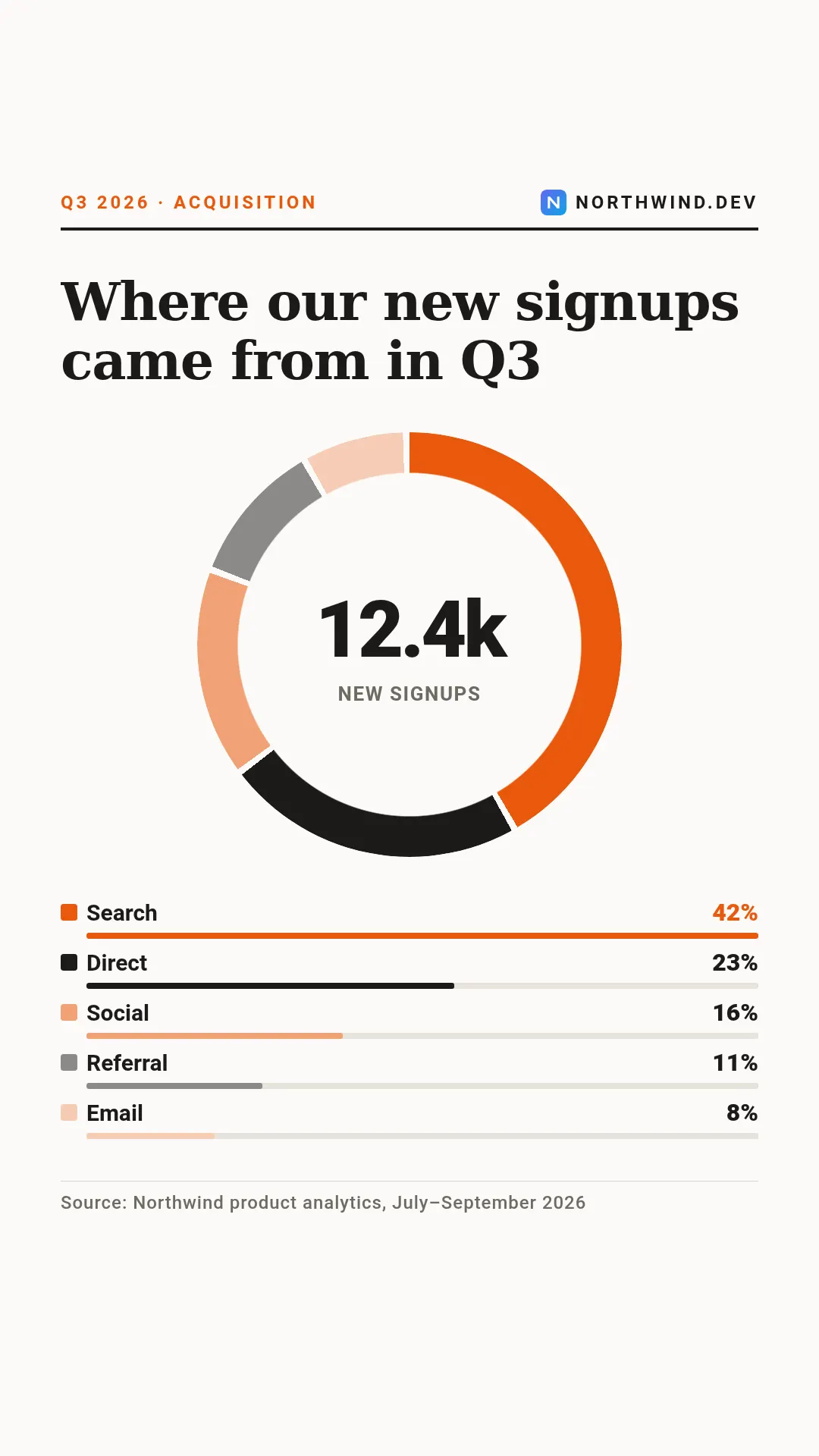
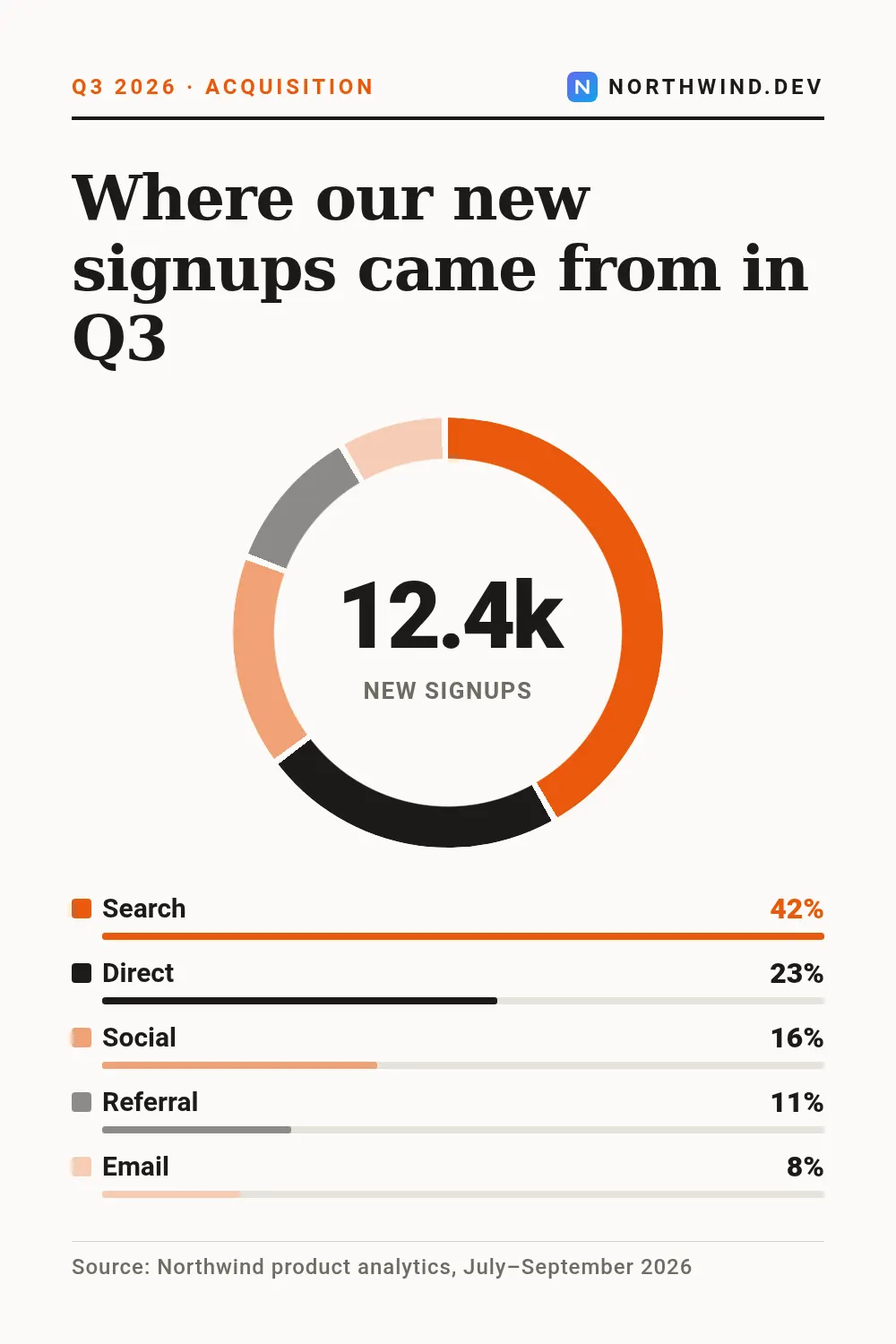
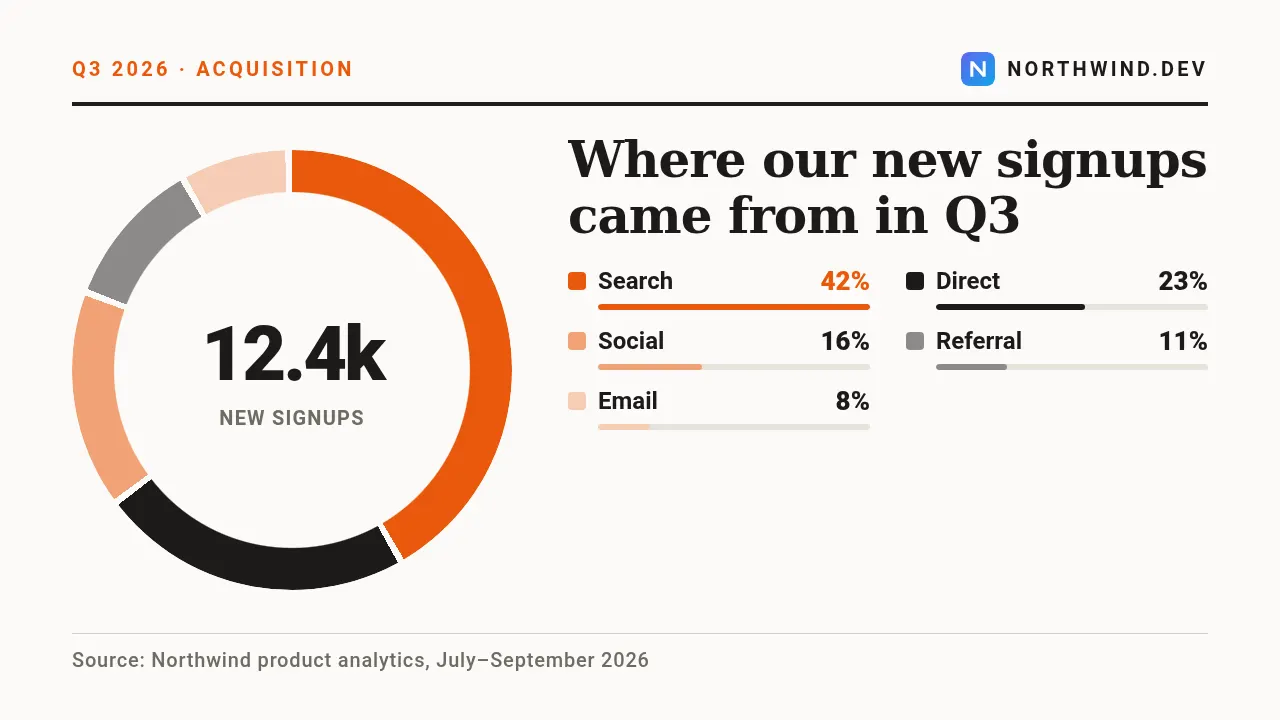
These are real renders from the API with the example values in the table below. Switch the size above: the same template lays itself out for all 6 sizes — send size or sizes with the request.
For market shares, budget splits, traffic sources and survey answers. Values can be percentages, counts or money: the card turns them into shares of their sum, sorts them and draws the six largest, keeping any rest as a grey arc. Without a centre figure it shows the largest share. Wide frames put the ring beside the headline and legend, square ones under the headline, vertical ones stack headline, ring and legend.
Fields
Every field is optional. Long text shrinks to fit instead of overflowing; an image field takes a public URL that we fetch on our side.
| Field | Type | Description | Example |
|---|---|---|---|
title |
text | Headline of the chart. default: Chart title | Where our new signups came from in Q3 |
segments |
text | Segments as label:value pairs separated by commas, semicolons or new lines, e.g. Search:42, Direct:23. A #hex colour in a segment sets its colour; the others take accent and black shades. Up to six are drawn. default: A:50, B:30, C:20 | Search:42, Direct:23, Social:16, Referral:11, Email:8 |
center_value |
text | Figure in the middle of the ring, e.g. 12.4k. Empty = the largest share. | 12.4k |
center_label |
text | Small label under the centre figure. | new signups |
eyebrow |
text | Kicker in the top rule, e.g. Q3 2026 · Acquisition. | Q3 2026 · Acquisition |
source |
text | Data source at the bottom. | Source: Northwind product analytics, July–September 2026 |
site |
text | Site or brand in the top right corner. | northwind.dev |
logo |
image URL | Logo next to the site. | https://example.com/images/logo-northwind.png |
accent |
colour | Brand colour as hex, e.g. #6366f1. Drives buttons, highlights and the background glow. default: #ea580c | #ea580c |
theme |
dark | light | Colour scheme: dark or light. default: light | — |
Render it with one request
Use the slug as template. The response holds the URL of the finished PNG; ?wait=true keeps the connection open until it is ready.
curl -X POST "https://shareglint.com/v1/images?wait=true" \
  -H "Authorization: Bearer sk_live_YOUR_KEY" \
  -H "Content-Type: application/json" \
  -d '{
    "template": "donut-chart",
    "modifications": {
        "title": "Where our new signups came from in Q3",
        "segments": "Search:42, Direct:23, Social:16, Referral:11, Email:8",
        "center_value": "12.4k",
        "center_label": "new signups",
        "eyebrow": "Q3 2026 · Acquisition",
        "source": "Source: Northwind product analytics, July–September 2026",
        "site": "northwind.dev",
        "logo": "https://example.com/images/logo-northwind.png"
    }
}'
Or paste a signed URL into og:image
For static sites, Webflow, Shopify and no-code tools: put the fields in the query string and sign it with your signing secret. The first request renders the image, every later one is a redirect to the cached file. How to compute the signature.
<meta property="og:image" content="https://shareglint.com/i/acc_YOUR_ACCOUNT_ID/donut-chart.png?center_label=new%20signups¢er_value=12.4k&eyebrow=Q3%202026%20%C2%B7%20Acquisition&segments=Search%3A42%2C%20Direct%3A23%2C%20Social%3A16%2C%20Referral%3A11%2C%20Email%3A8&site=northwind.dev&source=Source%3A%20Northwind%20product%20analytics%2C%20July%E2%80%93September%202026&title=Where%20our%20new%20signups%20came%20from%20in%20Q3&s=YOUR_SIGNATURE">Make it yours
accent and theme change per request. For anything more, copy the template into your account: you get an ordinary HTML template with the same fields that you can edit in the dashboard or through the API. If the slug is free on your account, the copy takes it — your integrations switch to your version without changing a line.
curl -X POST "https://shareglint.com/v1/templates/library/donut-chart/copy" \
-H "Authorization: Bearer sk_live_YOUR_KEY"More Data, charts & milestones templates
 Stat highlight
 Fundraising goal
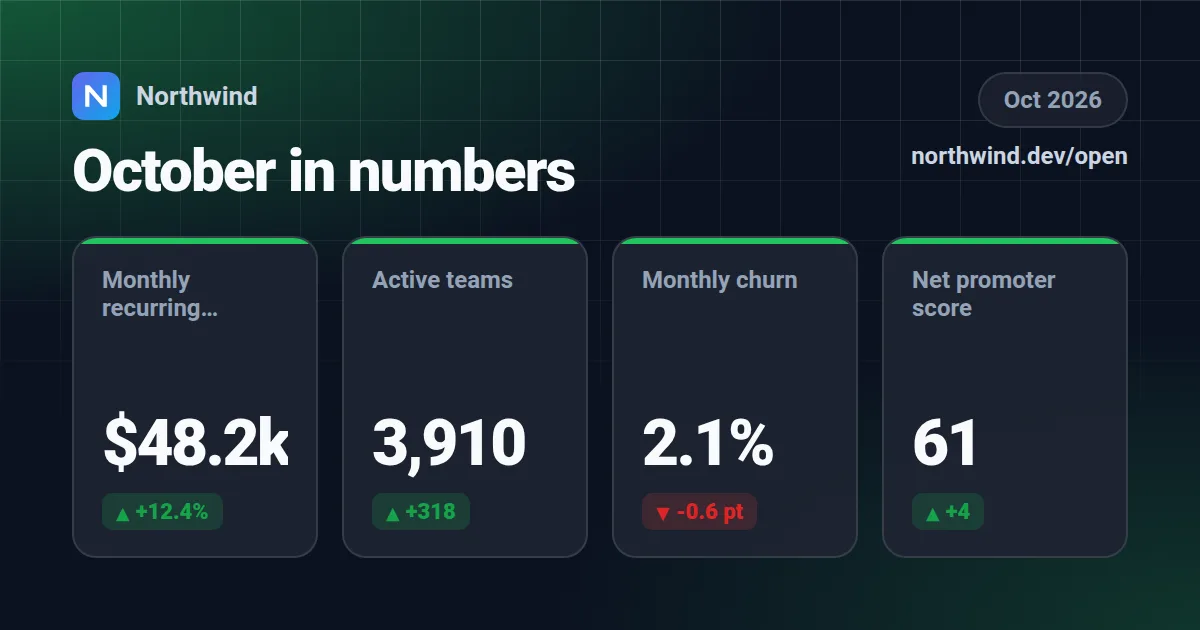 Metrics grid
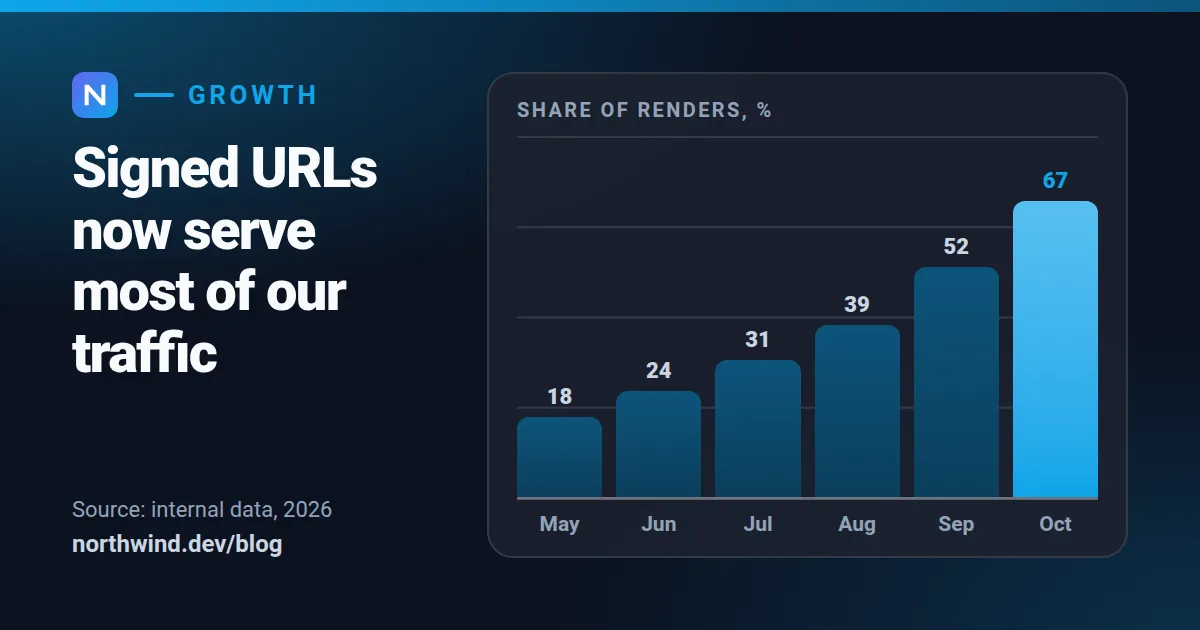 Bar chart
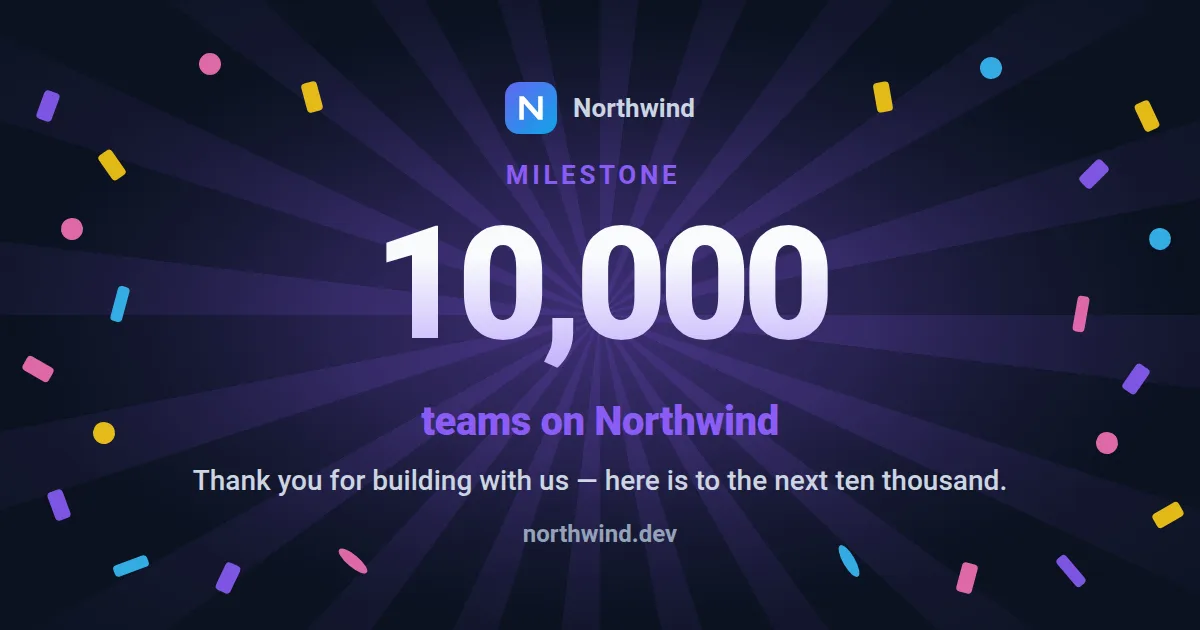 Milestone celebration
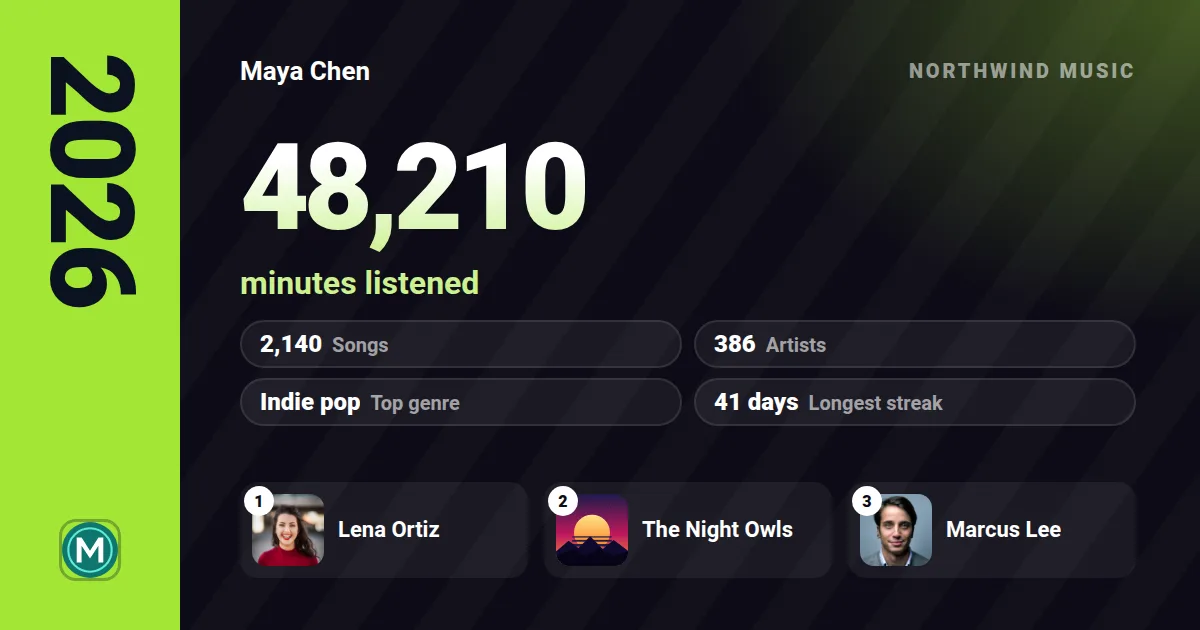 Year in review
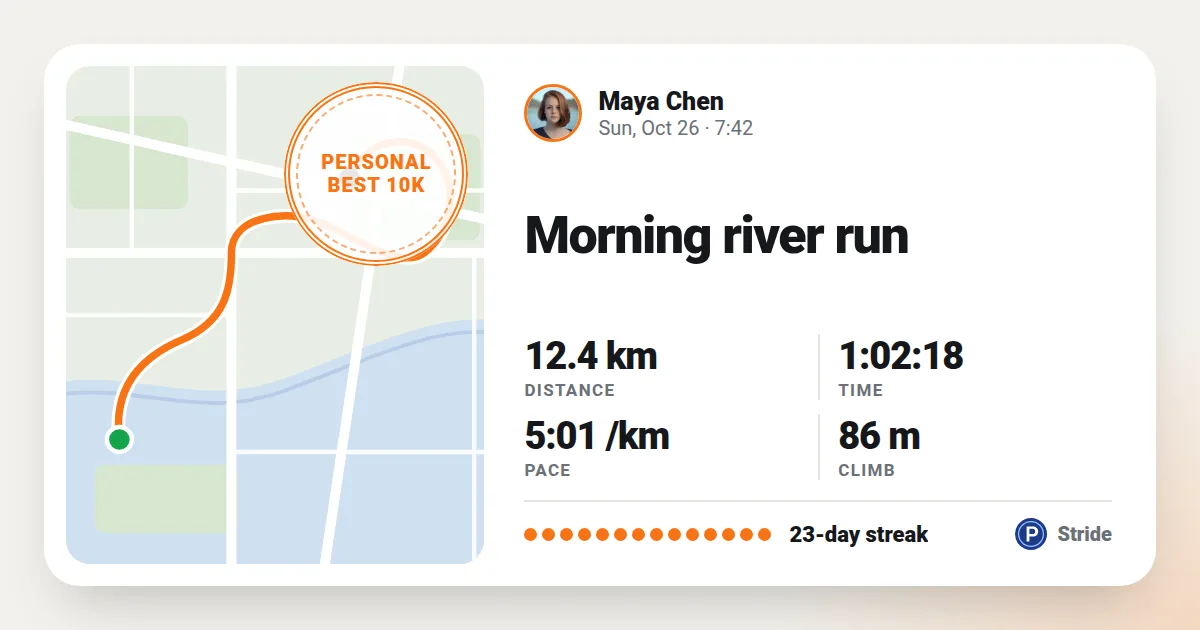 App share achievement
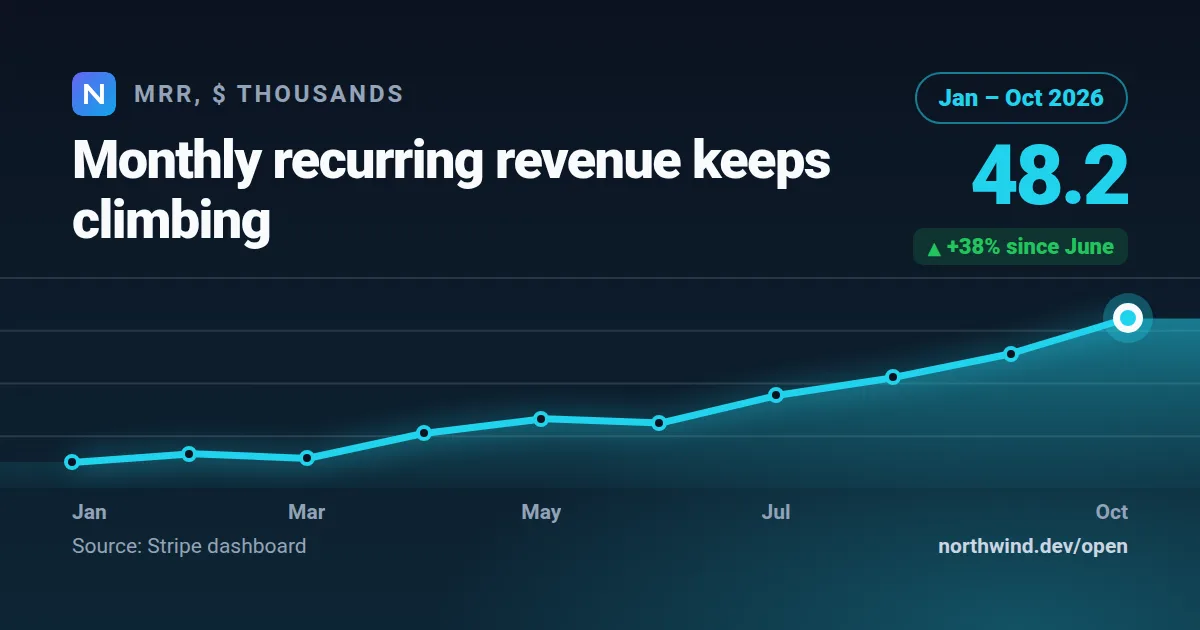 Line chart
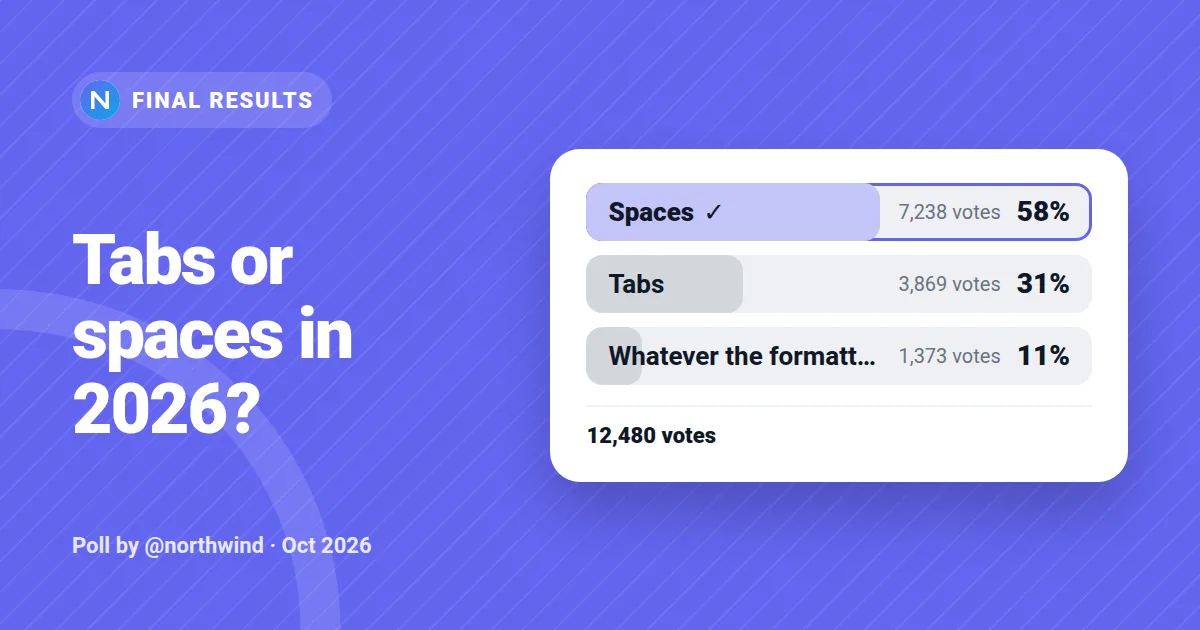 Poll results
All 14 Data, charts & milestones templates → · All templates →