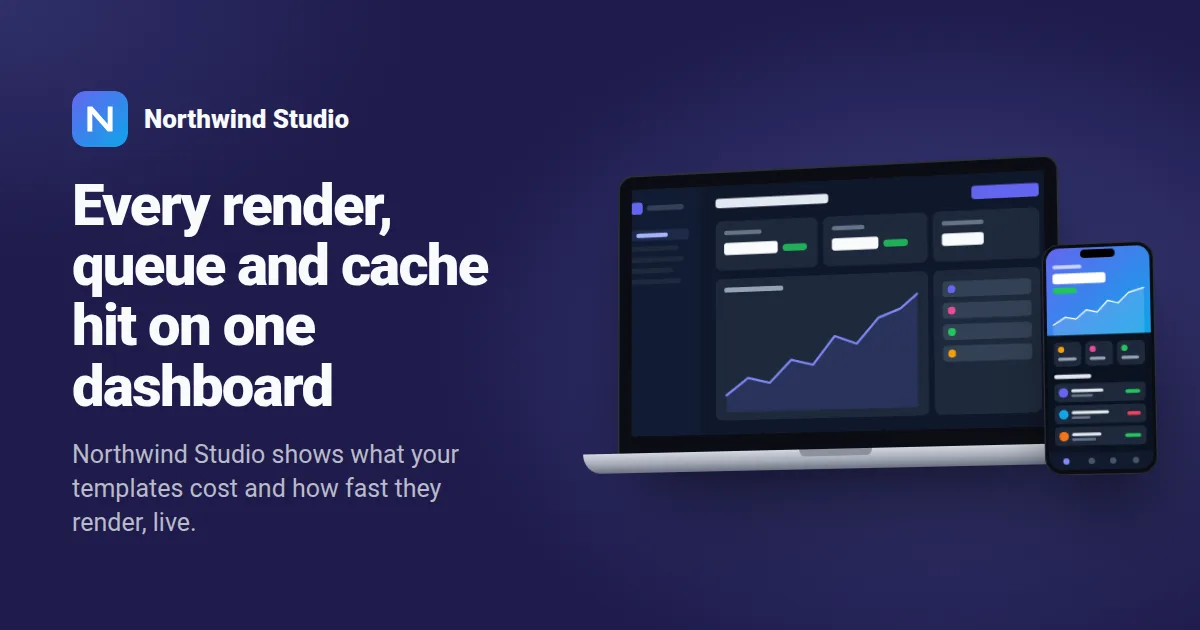
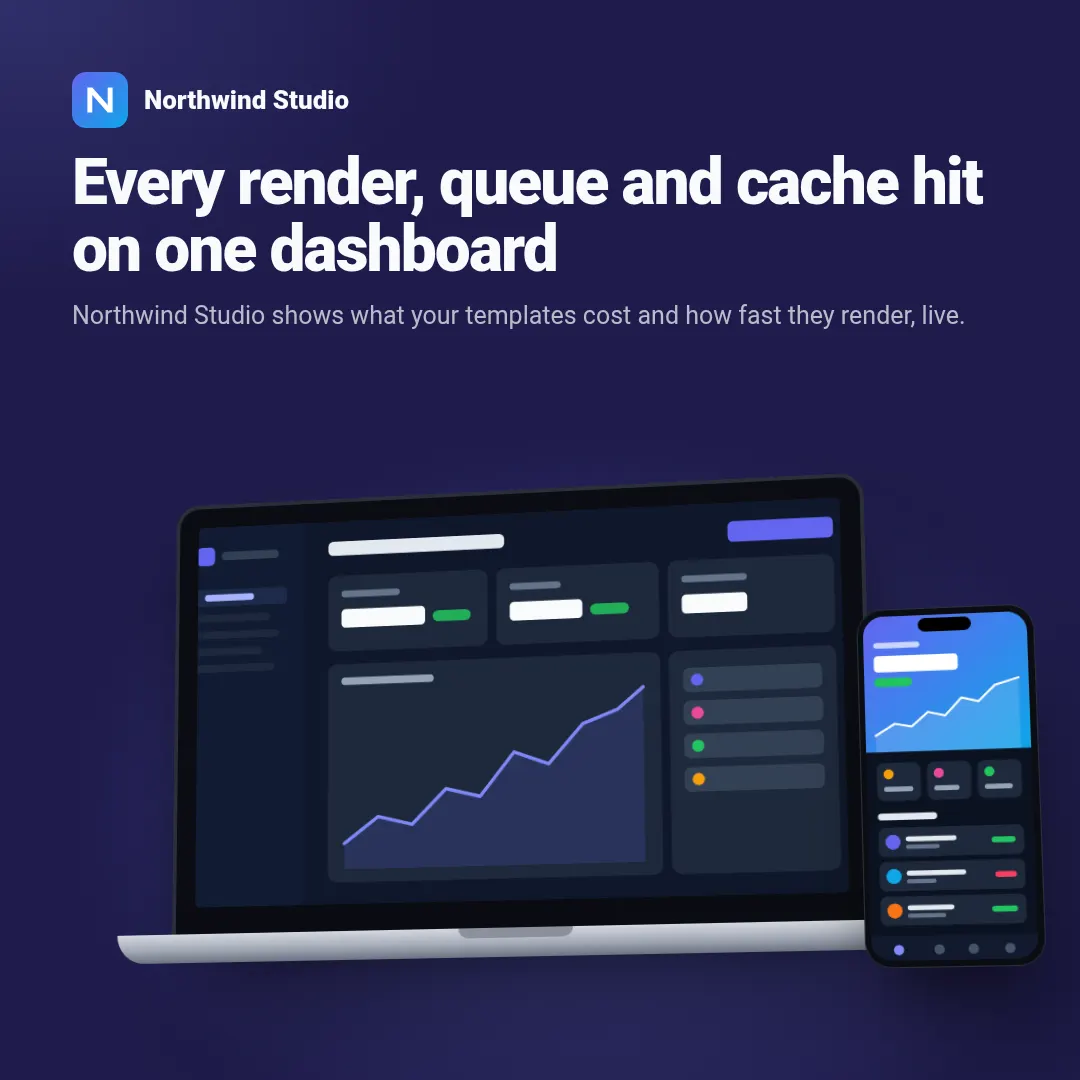
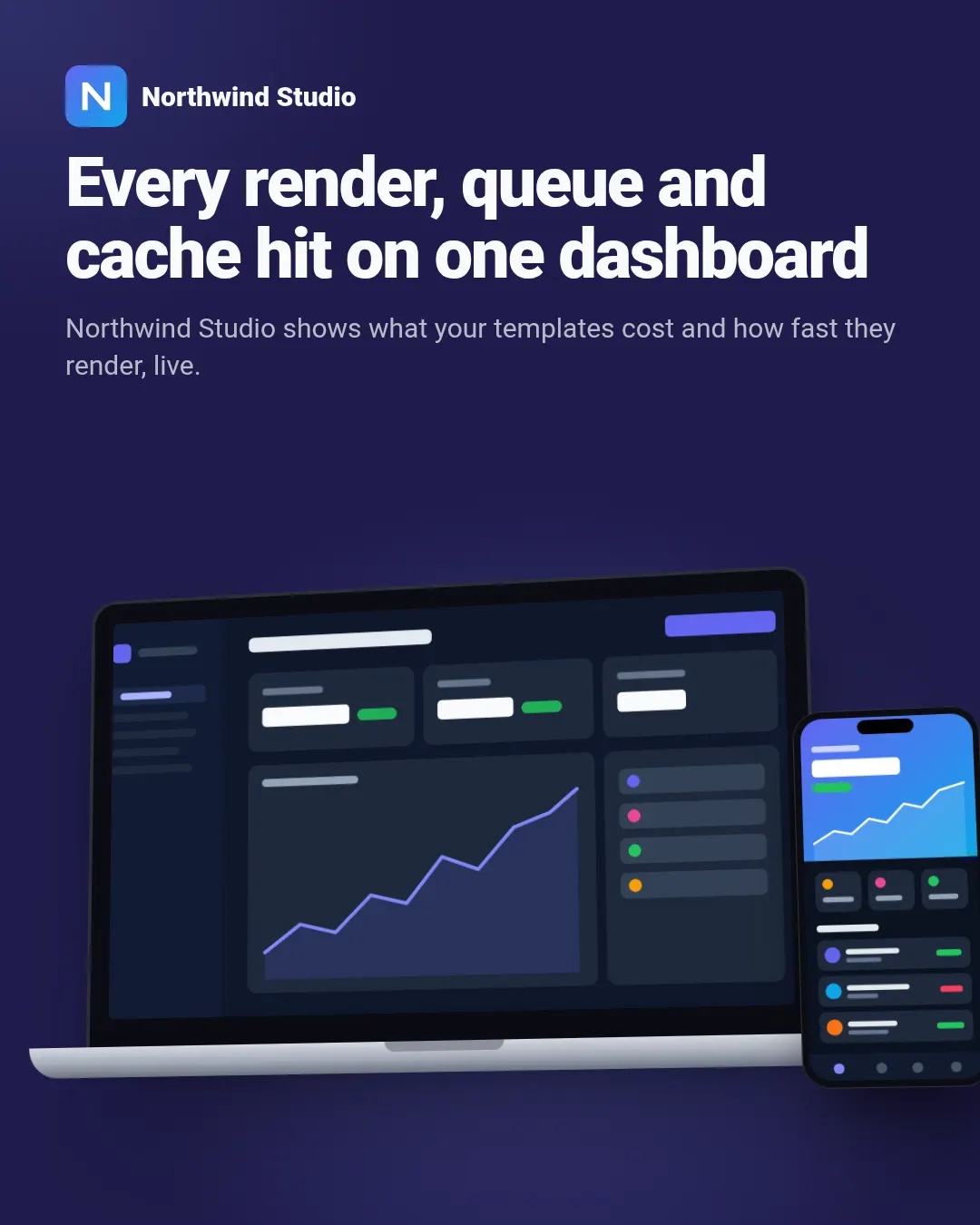
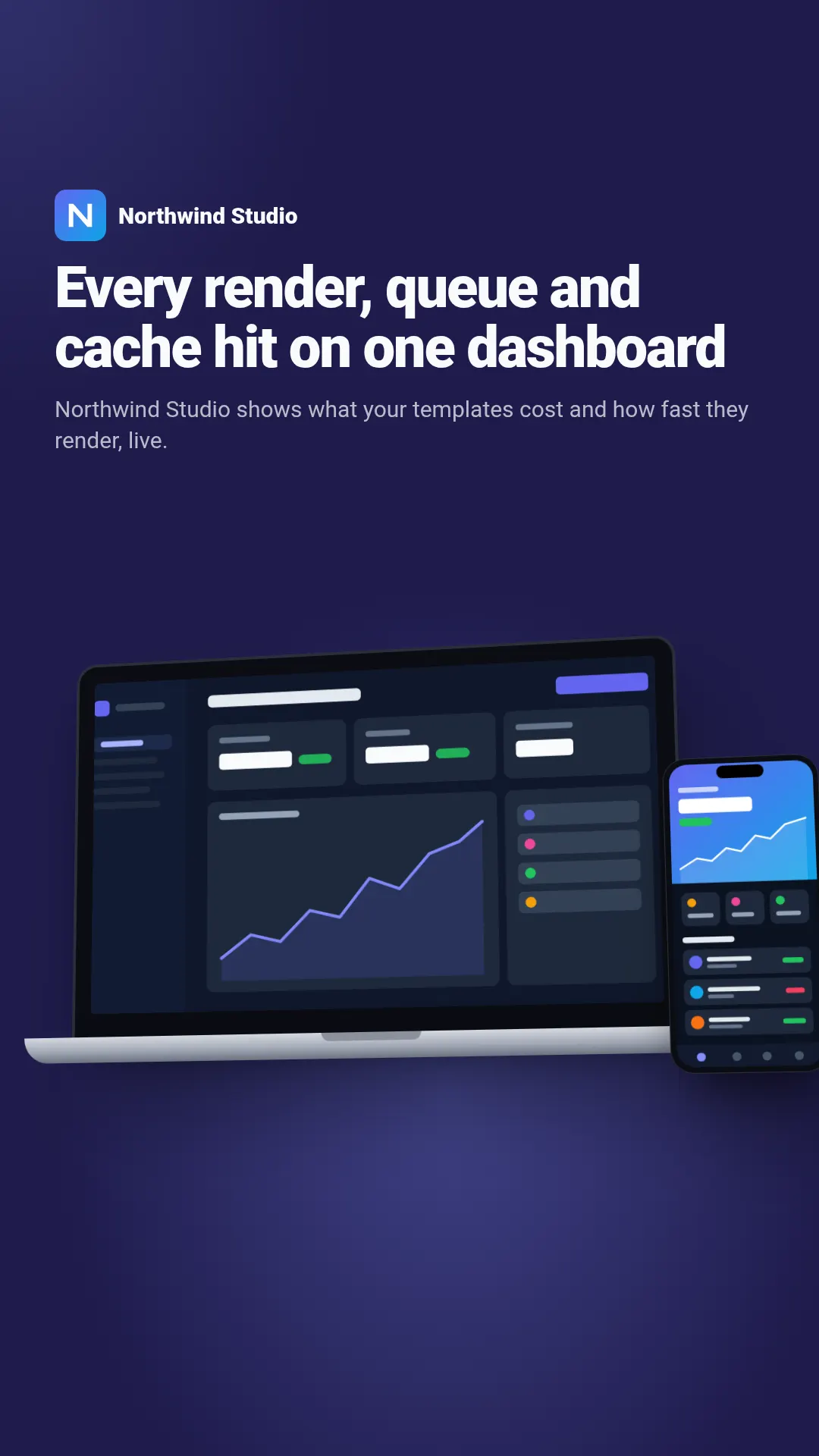
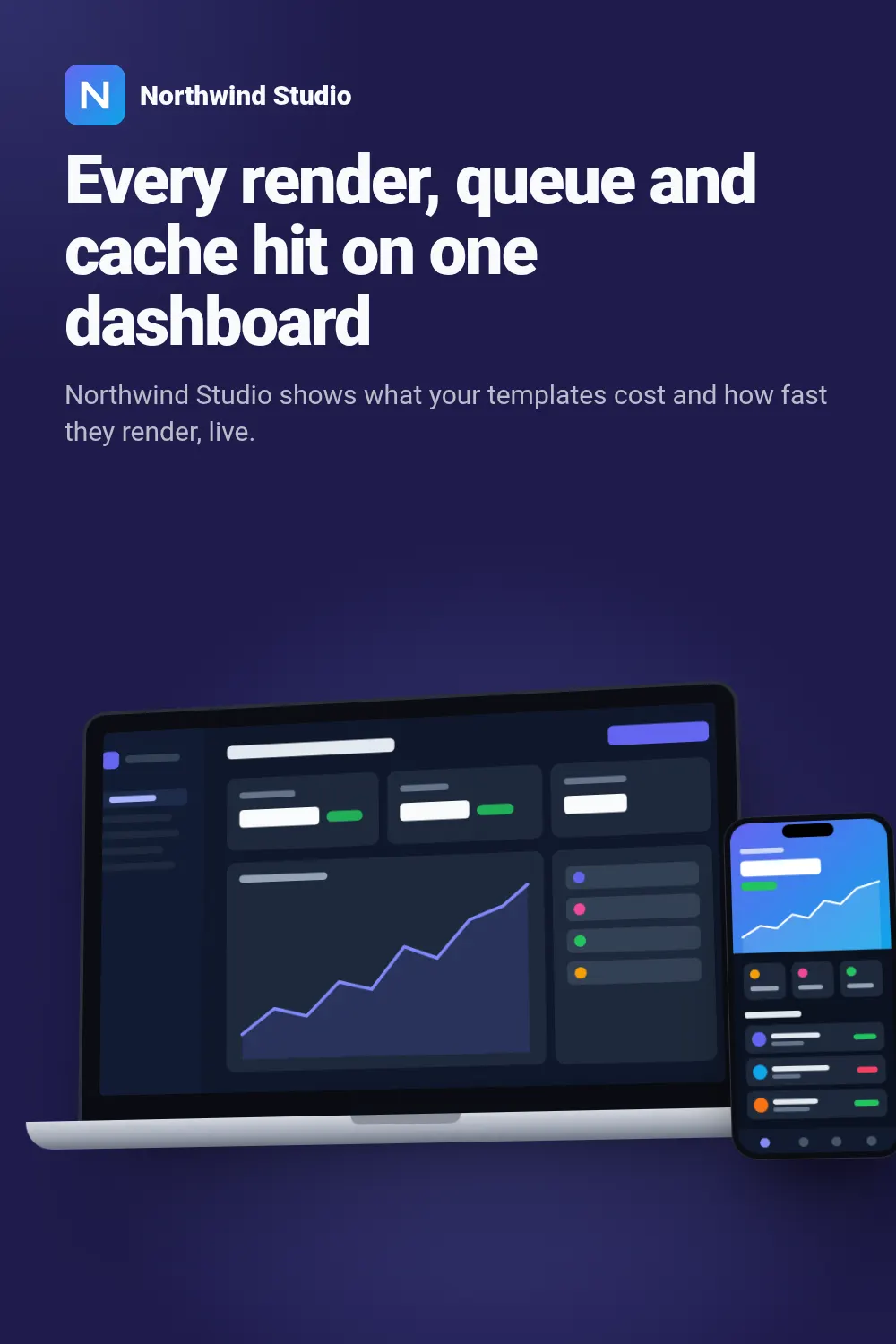
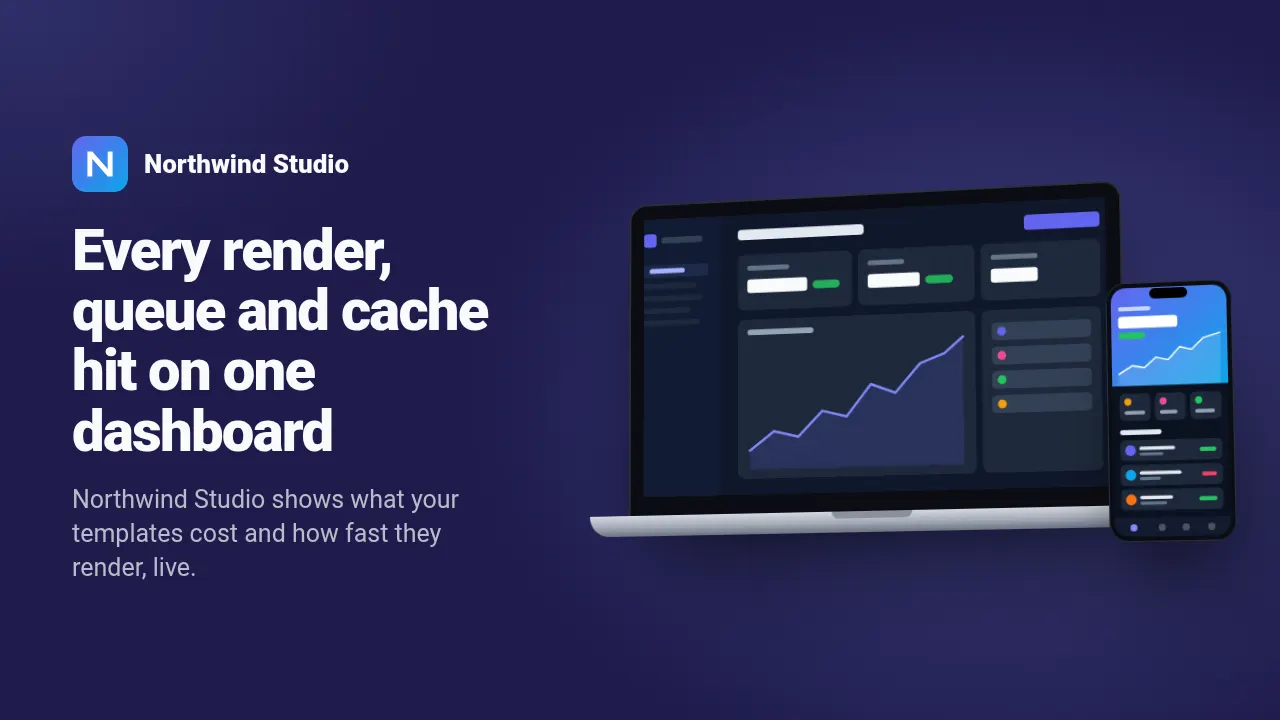
These are real renders from the API with the example values in the table below. Switch the size above: the same template lays itself out for all 6 sizes — send size or sizes with the request.
For SaaS and app marketing, launches and changelog posts that show the product itself. Pick the frame with device; a second_screenshot adds a phone in front of a tablet or laptop, a second phone behind the first or a second window behind the browser. Without a screenshot the screen shows a drawn app in your accent colour, without a logo the product name gets a monogram, and a long headline shrinks to fit. Wide frames put the headline on the left and the device on the right; square and vertical frames put the headline on top and give the device the rest, with the tablet standing upright in vertical frames.
Fields
Every field is optional. Long text shrinks to fit instead of overflowing; an image field takes a public URL that we fetch on our side.
| Field | Type | Description | Example |
|---|---|---|---|
headline |
text | The main line, next to or above the device. default: Your product, in a frame | Every render, queue and cache hit on one dashboard |
subheadline |
text | One or two sentences under the headline; long text ends in an ellipsis after three lines. | Northwind Studio shows what your templates cost and how fast they render, live. |
product |
text | Product name next to the logo above the headline. | Northwind Studio |
device |
text | Frame around the screenshot: phone, tablet, laptop or browser. one of: phone | tablet | laptop | browser default: laptop | laptop |
background |
text | Card background as hex, e.g. #1e1b4b; text switches to black or white to stay readable. Empty keeps the theme background. | #1e1b4b |
screenshot |
image URL | The screenshot shown on the device; it covers the screen from its top edge. | https://example.com/images/dashboard.png |
second_screenshot |
image URL | Optional second screen: a phone in front of a tablet or laptop, a second phone or a second browser window. | https://example.com/images/phone-app.png |
logo |
image URL | Product logo, square. | https://example.com/images/logo-northwind.png |
accent |
colour | Brand colour as hex, e.g. #6366f1. Drives buttons, highlights and the background glow. default: #818cf8 | #818cf8 |
theme |
dark | light | Colour scheme: dark or light. | — |
Render it with one request
Use the slug as template. The response holds the URL of the finished PNG; ?wait=true keeps the connection open until it is ready.
curl -X POST "https://shareglint.com/v1/images?wait=true" \
  -H "Authorization: Bearer sk_live_YOUR_KEY" \
  -H "Content-Type: application/json" \
  -d '{
    "template": "device-mockup",
    "modifications": {
        "headline": "Every render, queue and cache hit on one dashboard",
        "subheadline": "Northwind Studio shows what your templates cost and how fast they render, live.",
        "product": "Northwind Studio",
        "device": "laptop",
        "background": "#1e1b4b",
        "screenshot": "https://example.com/images/dashboard.png",
        "second_screenshot": "https://example.com/images/phone-app.png",
        "logo": "https://example.com/images/logo-northwind.png"
    }
}'
Or paste a signed URL into og:image
For static sites, Webflow, Shopify and no-code tools: put the fields in the query string and sign it with your signing secret. The first request renders the image, every later one is a redirect to the cached file. How to compute the signature.
<meta property="og:image" content="https://shareglint.com/i/acc_YOUR_ACCOUNT_ID/device-mockup.png?background=%231e1b4b&device=laptop&headline=Every%20render%2C%20queue%20and%20cache%20hit%20on%20one%20dashboard&product=Northwind%20Studio&subheadline=Northwind%20Studio%20shows%20what%20your%20templates%20cost%20and%20how%20fast%20they%20render%2C%20live.&s=YOUR_SIGNATURE">Make it yours
accent and theme change per request. For anything more, copy the template into your account: you get an ordinary HTML template with the same fields that you can edit in the dashboard or through the API. If the slug is free on your account, the copy takes it — your integrations switch to your version without changing a line.
curl -X POST "https://shareglint.com/v1/templates/library/device-mockup/copy" \
-H "Authorization: Bearer sk_live_YOUR_KEY"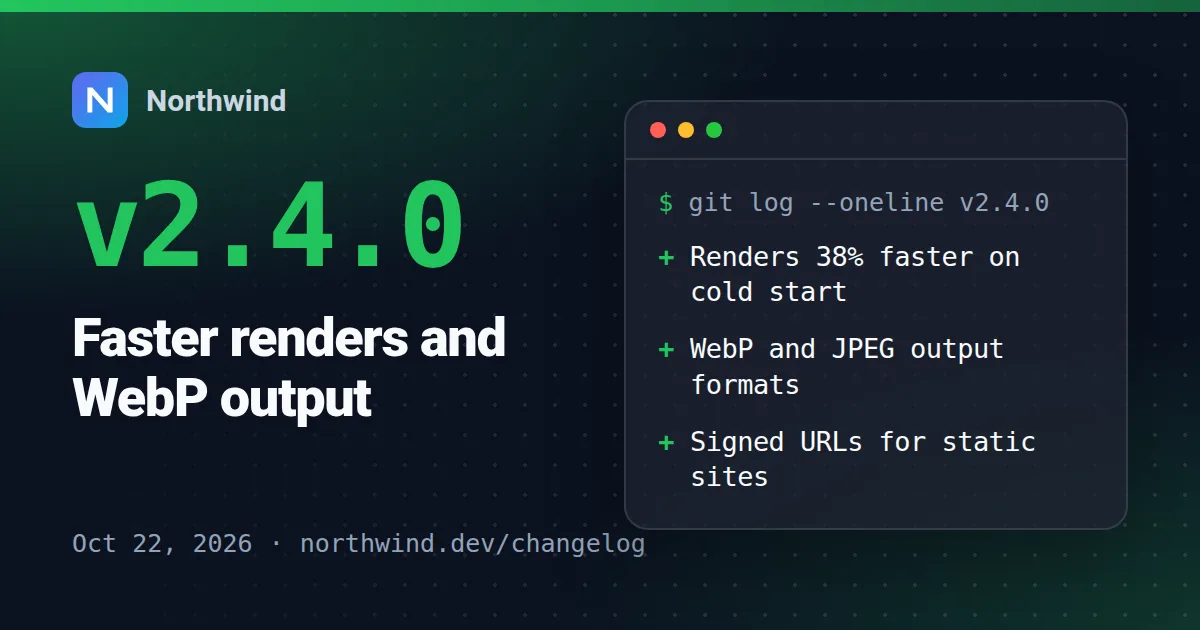 Changelog / release
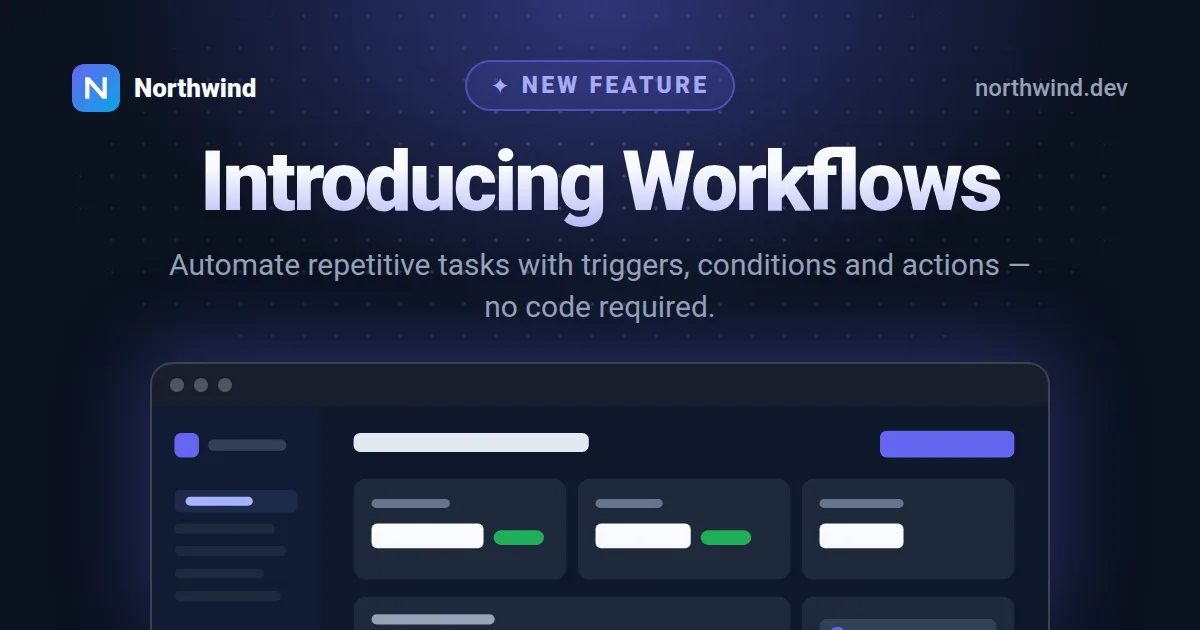 Feature announcement
 Comparison (A vs B)
 Product roadmap
 App store listing
 Launch day
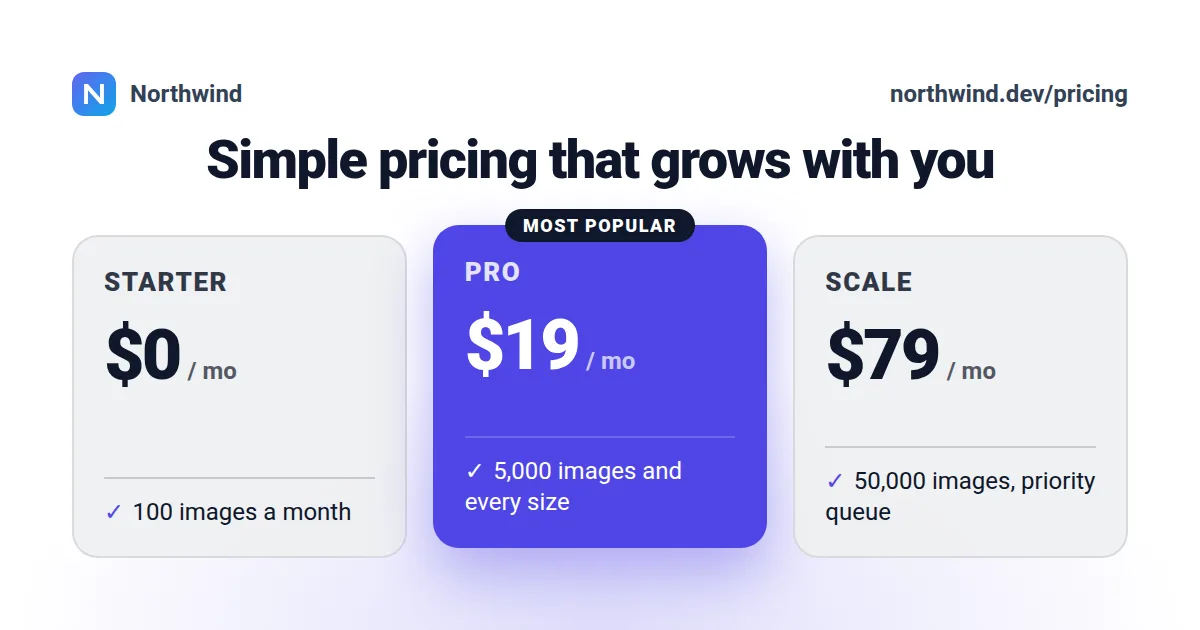 Pricing plans
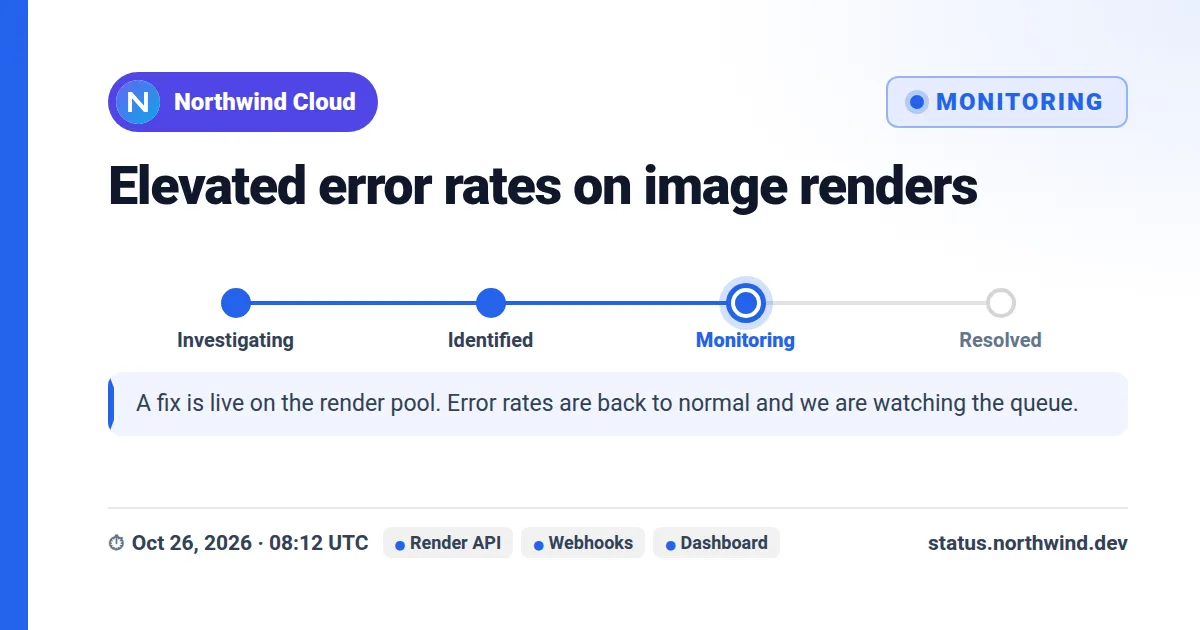 Incident update
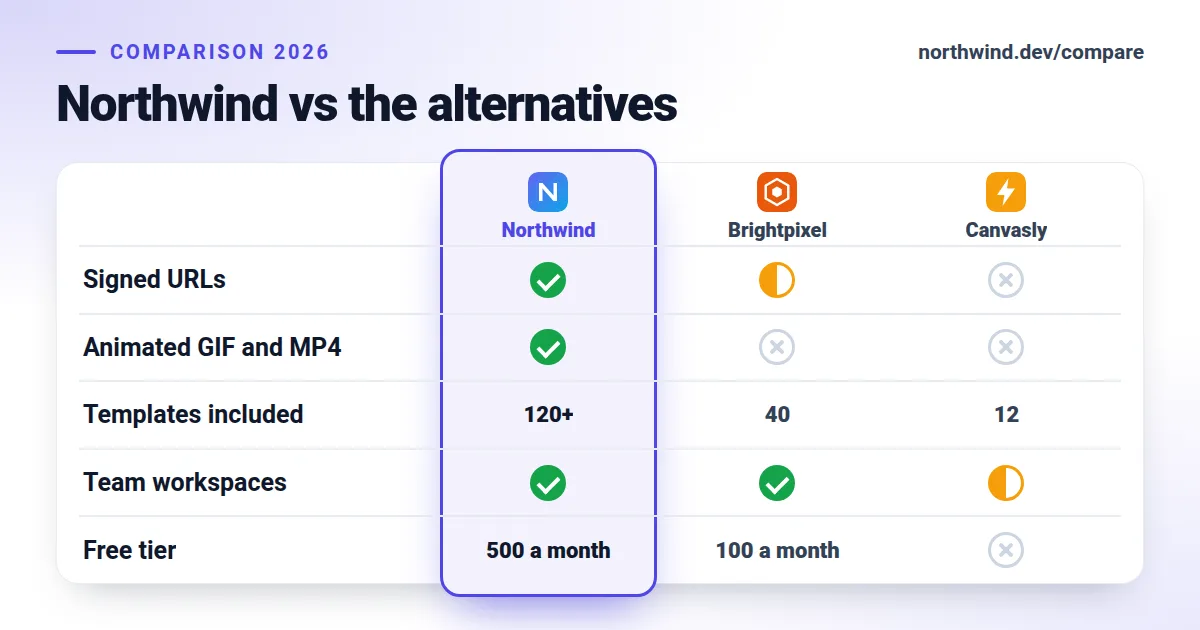 Feature matrix